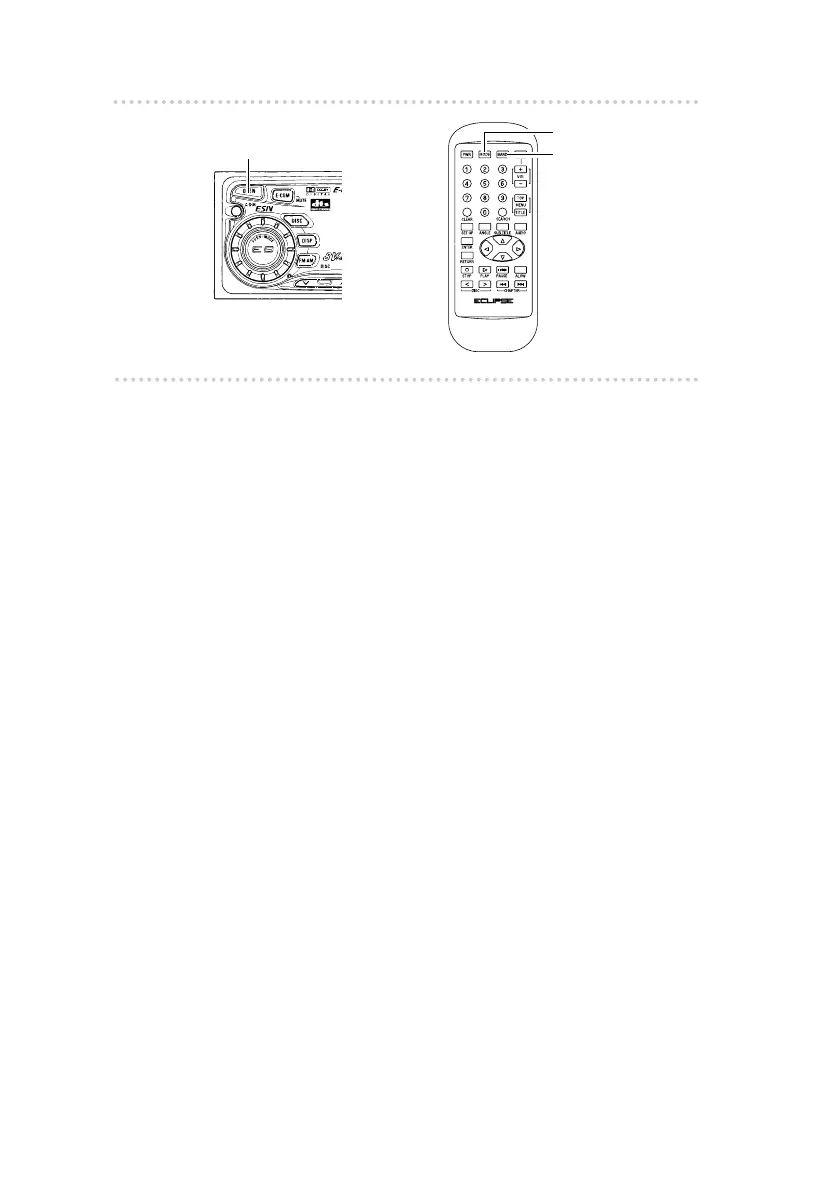
How to operate the DVD player
32
n Inserting a DVD
1 .
Press the [OPEN] button on the player.
The front panel opens.
2 .
Insert the DVD disc into the disc slot, label
side up.
If the disc is double-sided, insert the disc so that the
side to be played is facing downward.
The DVD pictures will then be played back.
n Changing to DVD mode
1 .
Press the [MODE] button to change to disc
mode.
The mode changes between tuner and disc modes
each time the button is pressed.
2 .
Press the [BAND] button to change to DVD
mode.
When a CD changer is connected, press the [BAND]
button to change modes from DVD (CD) player
CD changer 1 CD changer 2.
The indicator will skip a changer or player that has
no discs loaded in it.
[OPEN] button
[MODE] button
[BAND] button



 To Next Page