How to operate the DVD player
42
t Parental lock setting
1 . Use the and cursor buttons on the remote
control to select PARENTAL LOCK, and then press
the [ENTER] button.
2 . Use the numeric input buttons on the remote
control to enter a password.
After entering the password, press the [ENTER] button.
The password is initially set to "0000". To change the
password, enter "0000" and press the [ENTER] button.
Then select PARENTAL LOCK CHANGE and enter the
new password.
If you forget the password, press the [RESET] button
on the player (refer to page 93) to reset the password
to "0000".
•Press the [CLEAR] button to clear the numbers which
you have entered.
•Once a password number has been entered, you will
need to use this number in order to change the
parental lock settings from then on.
3 . Use the cursor buttons on the remote control to
select the audio-visual restriction level (1~8), and
then press the [ENTER] button.
The audio-visual restriction level selected will be
displayed.
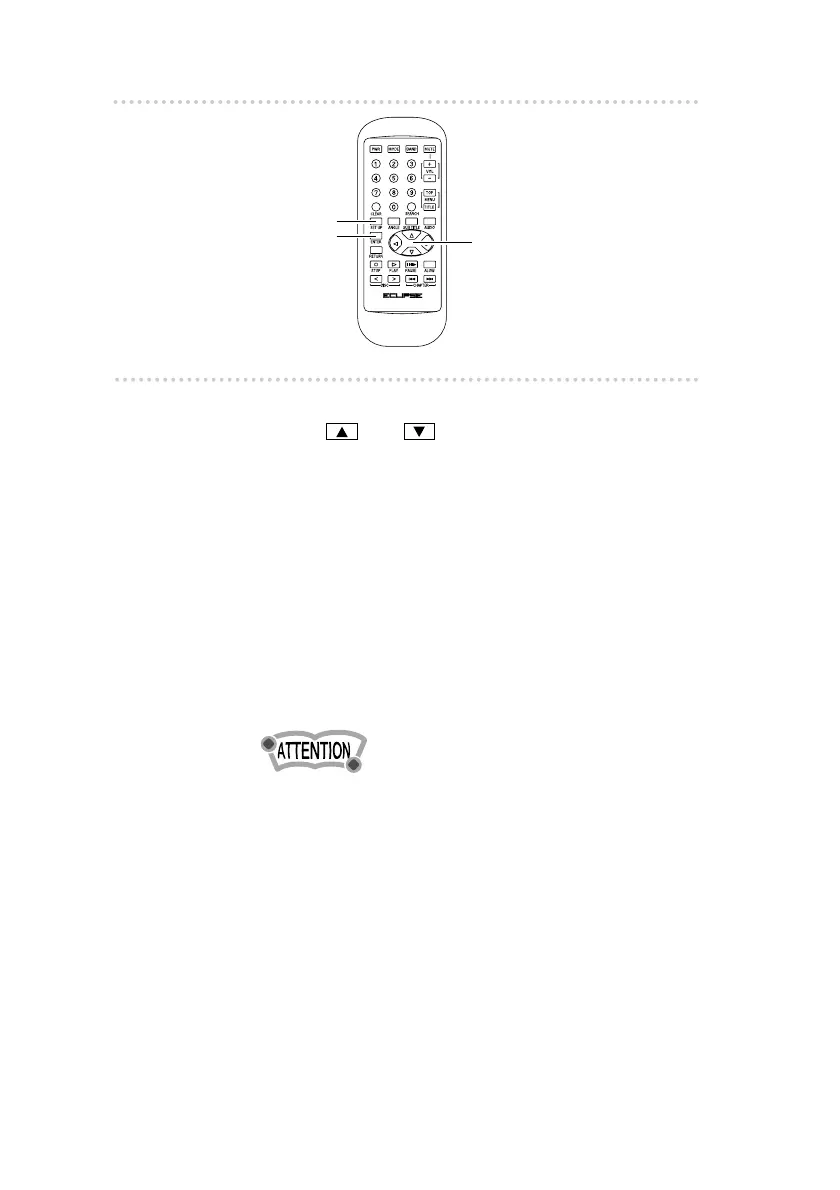
[SET UP] button
[ENTER] button
Cursor buttons



 To Next Page