43
How to operate the DVD player
•The audio-visual restriction levels are classified as
follows.
Level 1: Restricts playback to DVD programs
for young children
Levels 2~7: Restricts playback to DVD programs
for children and general audiences
Level 8: Allows any type of DVD program to be
played back
4 . Press the [SET UP] button.
DVD setting mode will be cleared.
t Multiplex angle indicator display
1 . Use the and cursor buttons on the remote
control to select ANGLE INDICATOR, and then
press the [ENTER] button.
2 . Use the and cursor buttons on the remote
control to select ON or OFF, and then press the
[ENTER] button. The selected setting will be
displayed.
3 . Press the [SET UP] button.
DVD setting mode will be cleared.
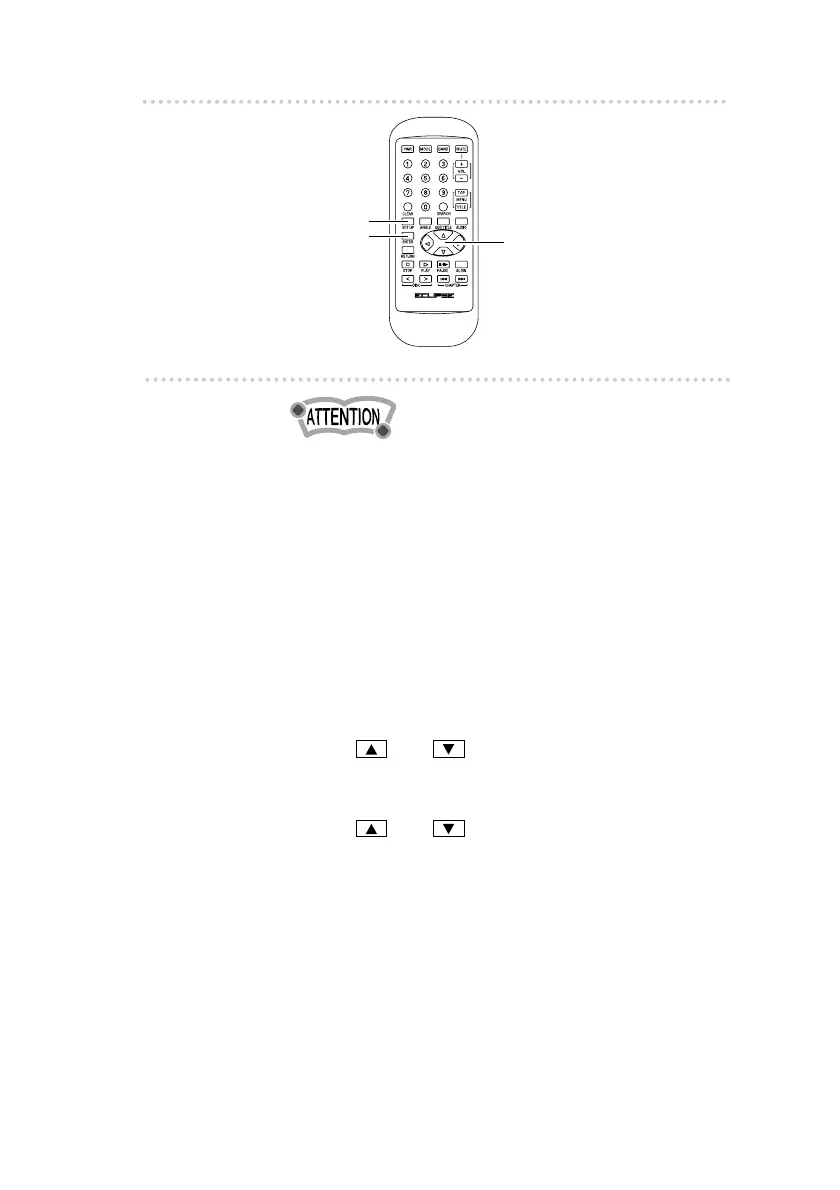
[SET UP] button
[ENTER] button
Cursor buttons



 To Next Page