Navigation
32
Change the map display method
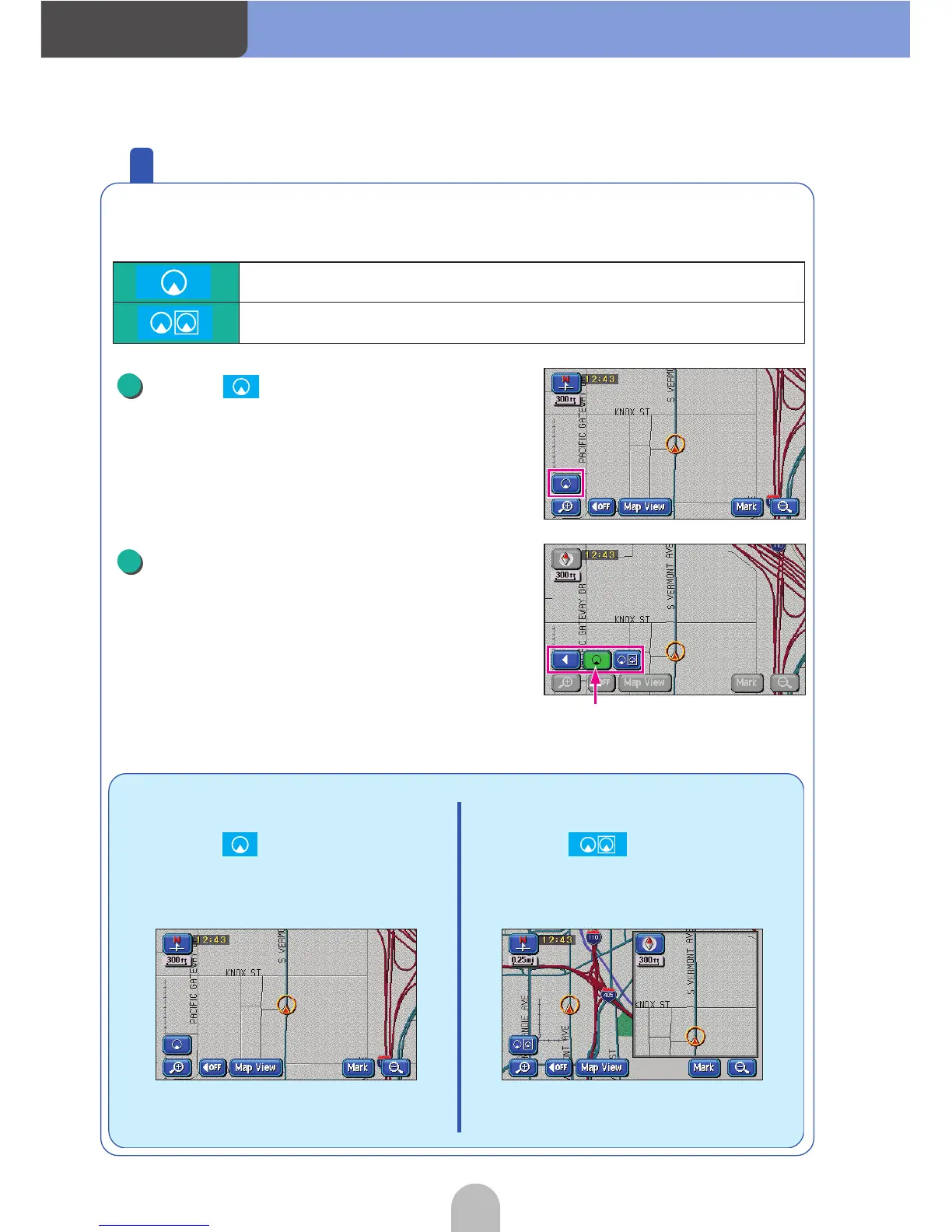
The map display can be changed according to several conditions.
There are two types of map display methods:
Touch .
Touch the desired display method.
Shows a regular map (flat).
Shows a map separated into two halves.
■ Touch and...
A regular map (flat) will be
displayed.
■ Touch and...
A map separated into two vertical
halves will be displayed.
1
The touch switches on the displayed
map brighten.
2



 To Next Page