Audio
82
5 CD/MP3 player operations
How to listen to a CD/MP3
■When a disc is not inserted
Insert a disc.
● It automatically starts playing.
■When a disc is inserted
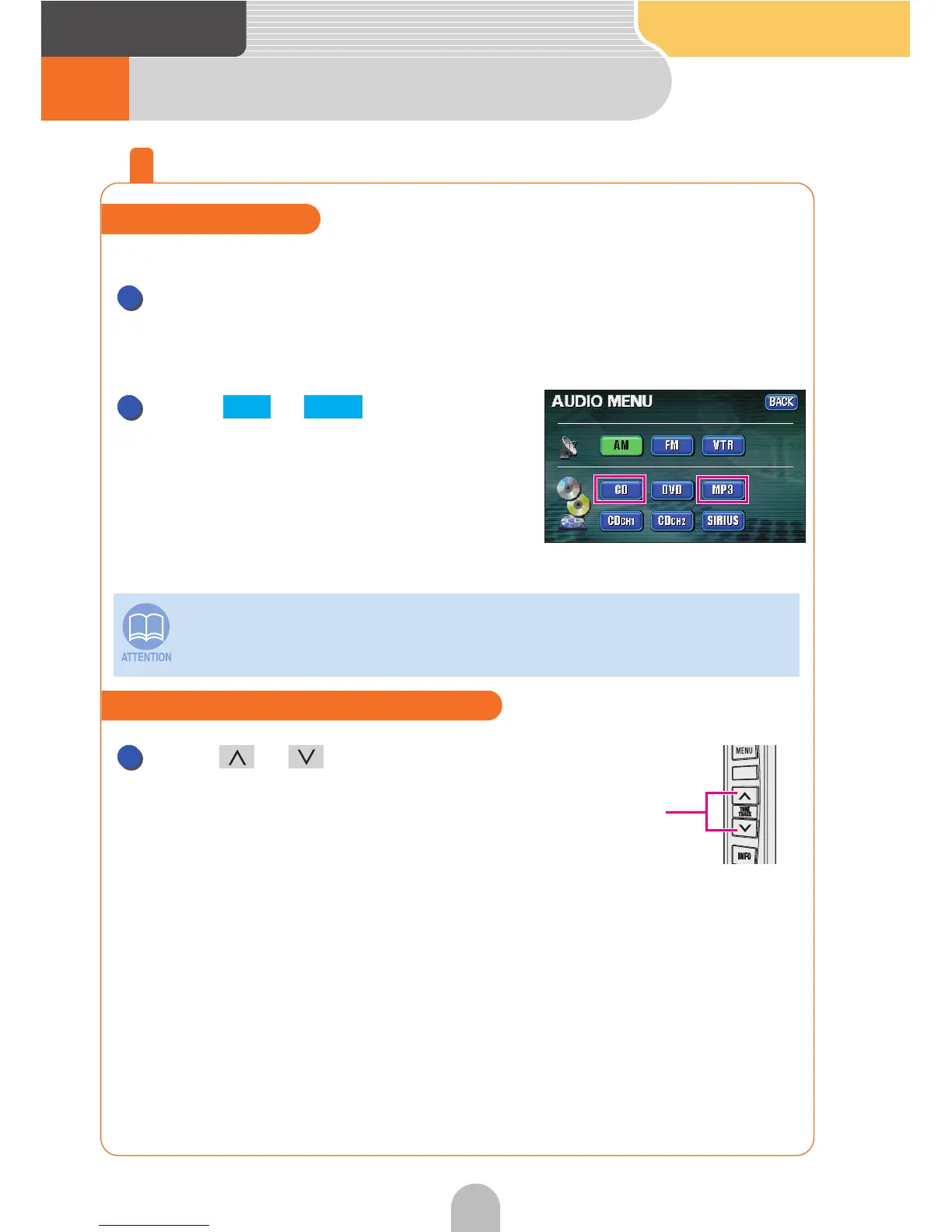
Touch or for AUDIO
MENU.
Press or .
Switch to the next track when playing a CD or to
the next music file when playing an MP3.
If sound data and MP3 data are mixed on the same disc, only the data recorded
in the first session can be played. For details, see "CD player operation" or
"MP3 player operation" in the OWNER'S MANUAL/Audio.
Play a CD/MP3 file
1
1
CD MP3
Select the desired track or music file
Track selection
(track start point),
fast-forward, rewind
buttons
1



 To Next Page