41
Navigation
Register favorite places
Up to 106 favorite places (including your home and special memory
entries) can be registered on the map.
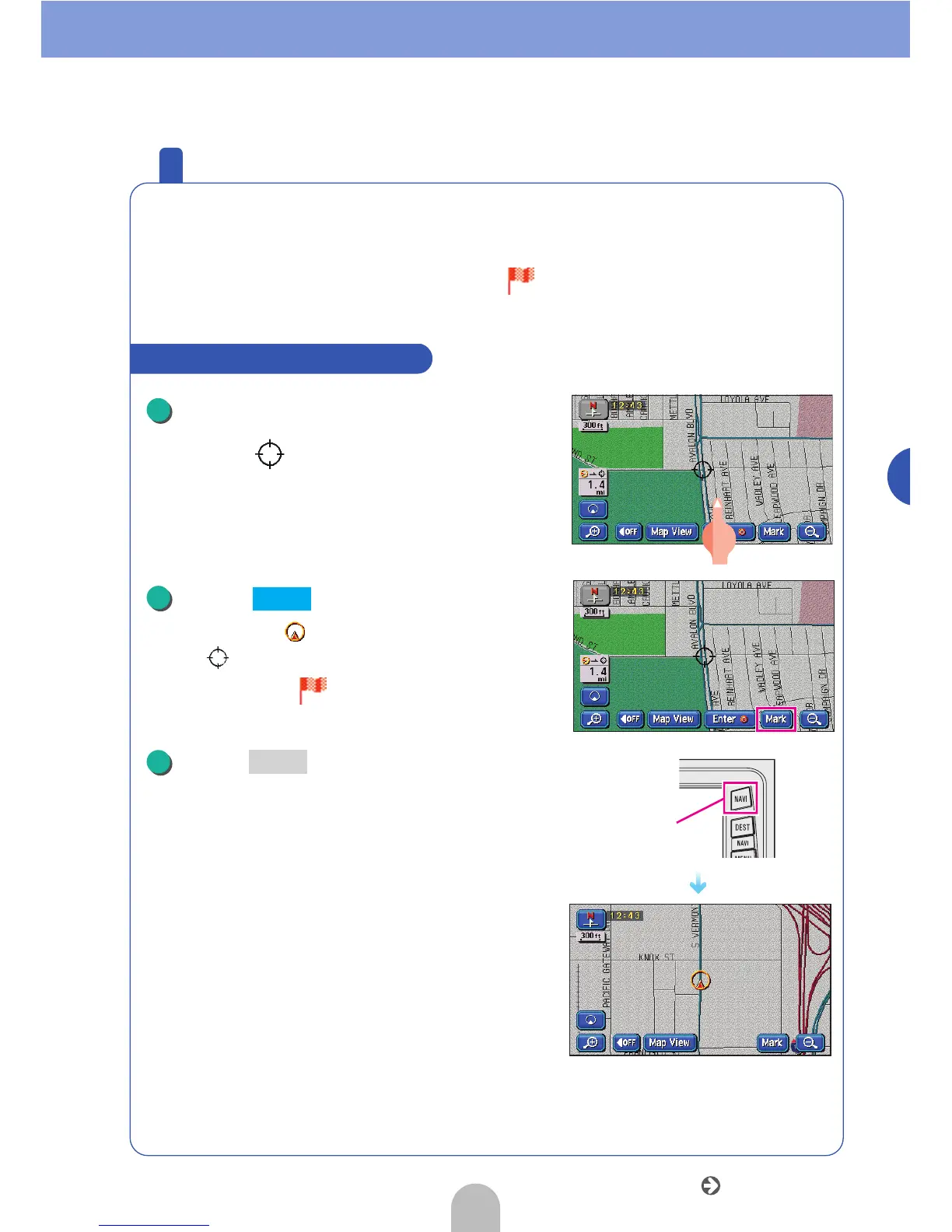
Registering a place will make a flag ( ) or a name appear on that
spot.
Touch the map and move the mark
to the spot to be registered.
● The map does not need to be moved when
registering the present location.
Touch .
● The position of when the map is not moved
and when having moved the map will be
registered with a mark.
Press .
● The present location will appear.
How to register from the map
1
2
Mark
NAVI
3
NAVI
Go to the next page



 To Next Page