91
Audio
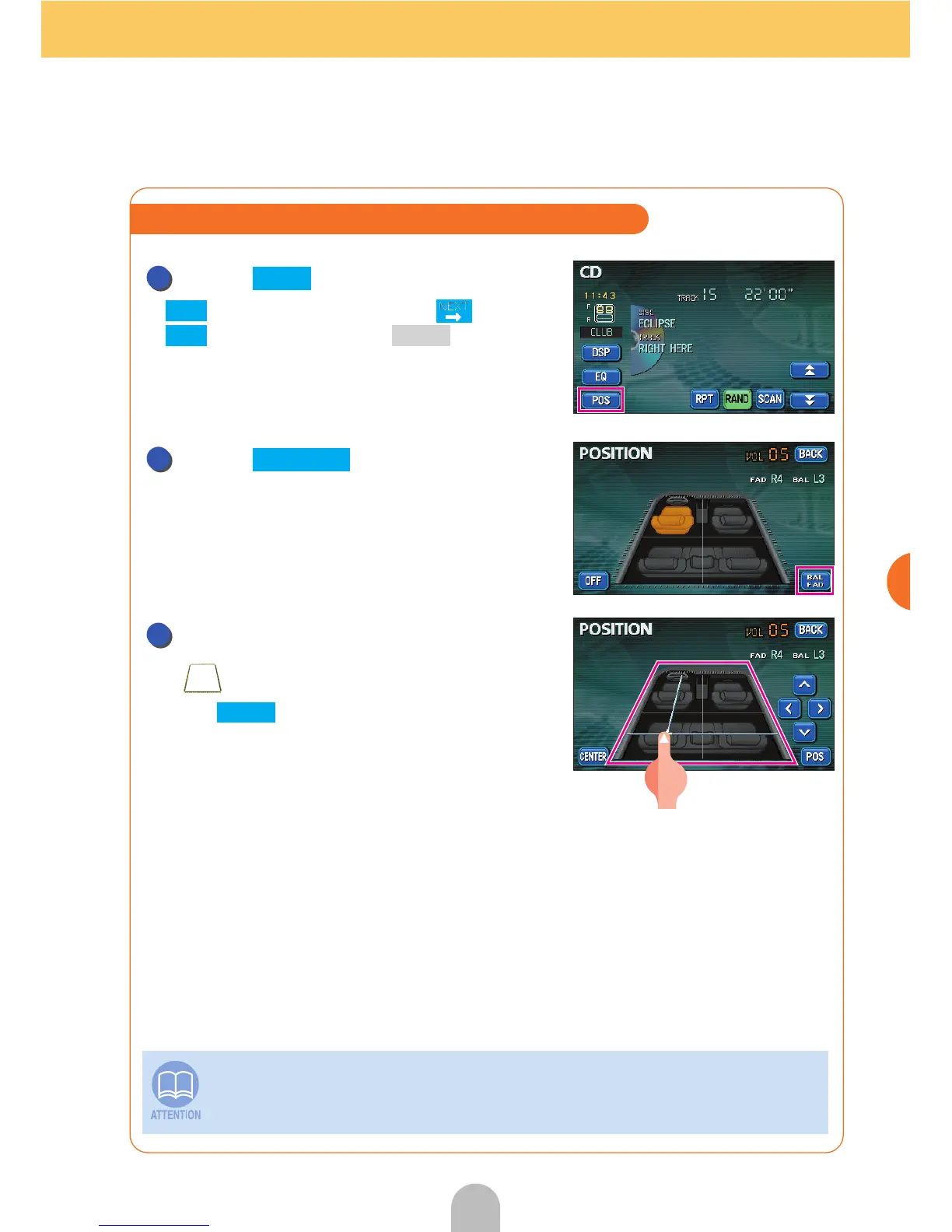
Touch .
● is displayed when touching and then
for a DVD or pressing for a VTR or
touch the screen.
Touch .
Touch the desired spot within the
.
● Touch to record the setting and return the
display to the previous screen.
This setting cannot be done at the same time as POS (the position selector)
adjustment (previous page).
Adjusting the left/right front/rear volume balance
1
POS
POS
SET CONT
2
BAL FAD
3
BACK



 To Next Page