Page 17 of 51
EFW5L_IFU REV NEW
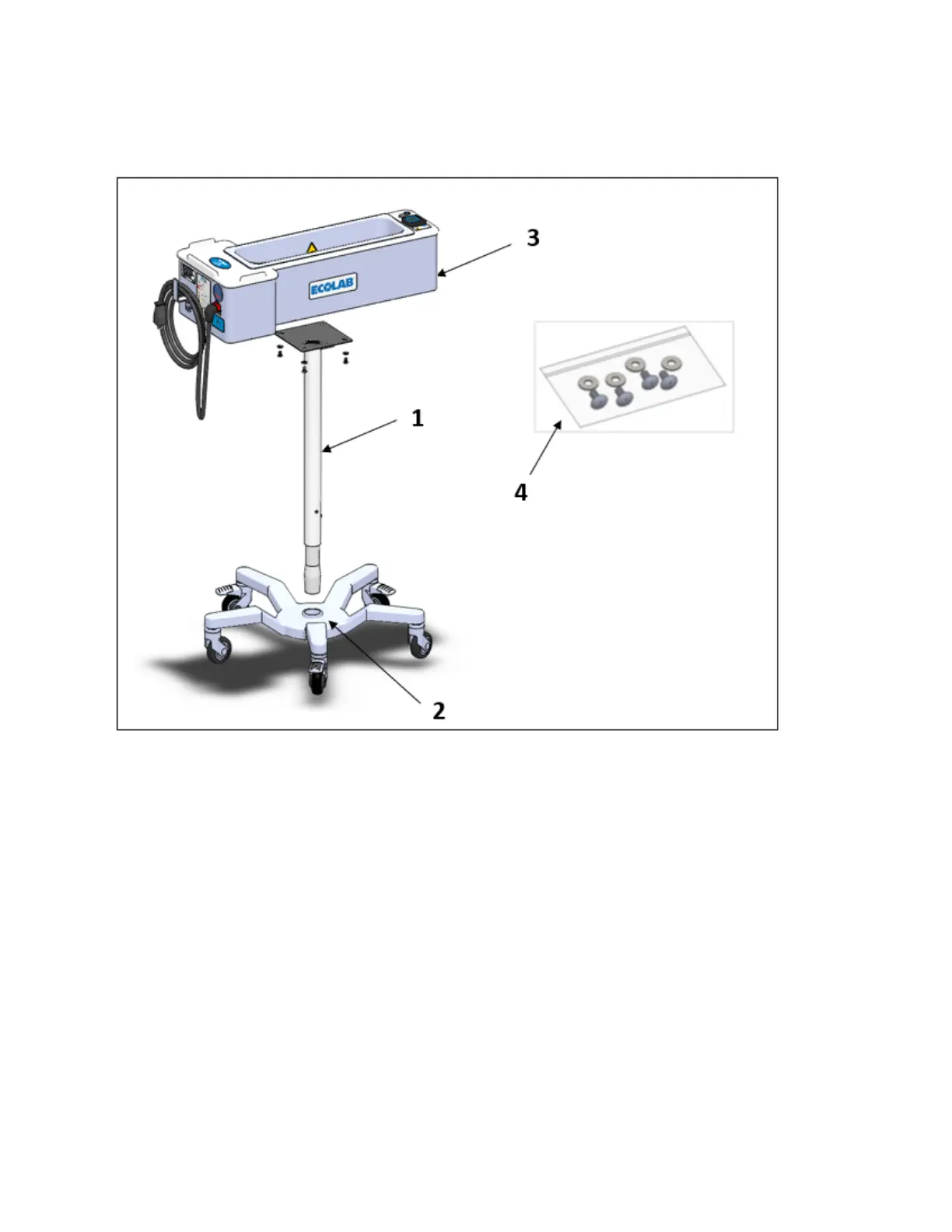
h. Pick up the Warmer with attached Column and insert the Column into the Base. Press
firmly to seat the Column to the Base.
5 Controls, Indicators, and Components
Refer to Figure 2. This section provides a quick description of the controls, indicators, and
components of EFW5L.


 To Next Page