Page 24 of 51
EFW5L_IFU REV NEW
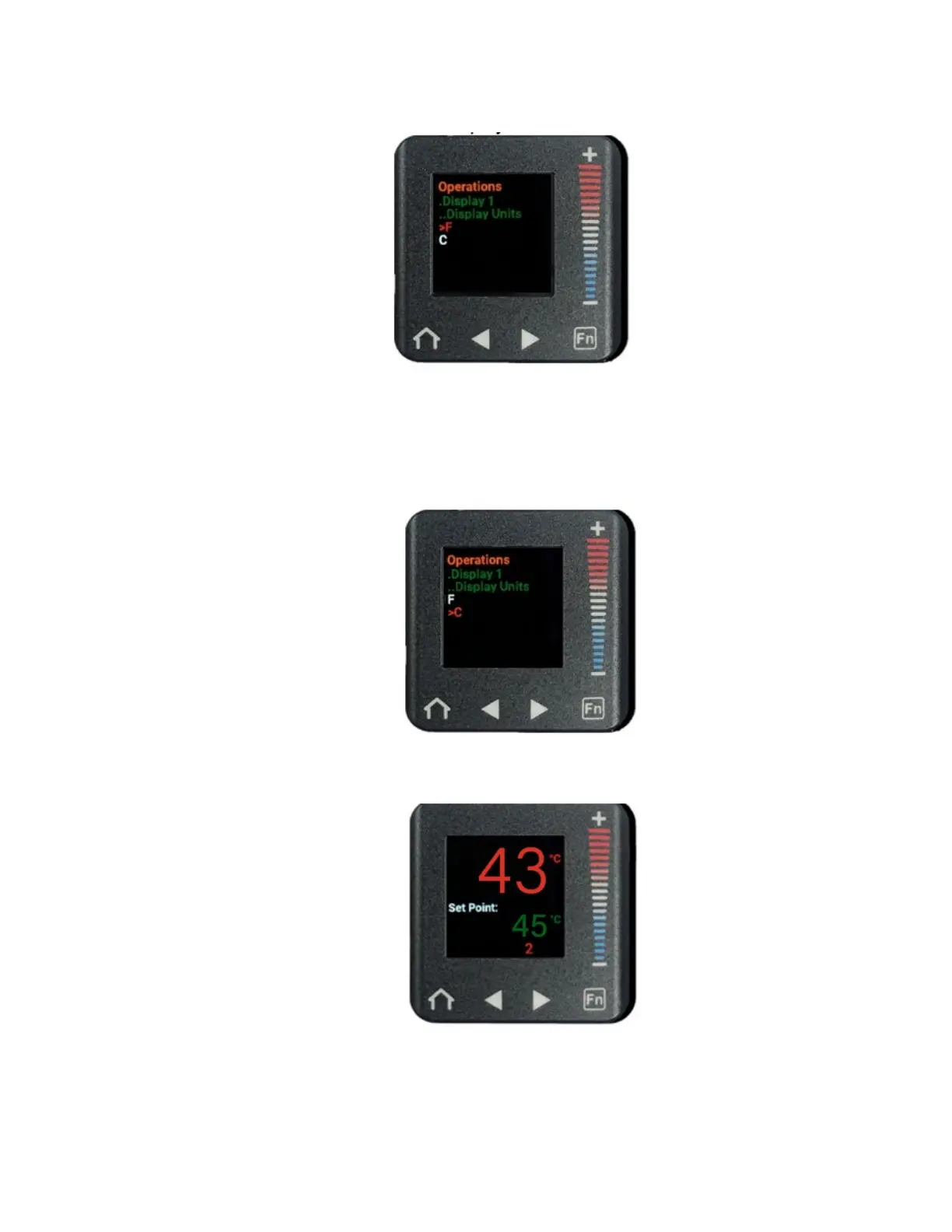
b. Press the right arrow button to enter the Display Units submenu.
c. Press the “+” or “
–” buttons to scroll up or down to select °C or °F. The scale
selected will be in red font.
Note: The temperature scale cannot be changed if the Set Point
temperature is locked. See Section 6.6.3 to lock and unlock the Set Point
temperature.
d. Press the home button to return to the home screen with the Temperature Scale
now set to the desired unit.


 To Next Page