ECP2010 / ECP2010H
31 / 68
When continuing work with the same program proceed the same way from paragraph d) in
case of ending by END STEP – RUN, STOP or when ending during running program (see
paragraph f). Proceeding from paragraph e) follows in case of END STEP – REPEAT or ending
during running program by evoking menu item Menu/Control/Reinit program.
Accelerated choice of program initialization by long pressing key PUMP after different options
of program ending is described in more details below, including status after turning the unit off and
on.
When continuing work with new program follow from paragraph c) after any option of
program ending, or at first exit program mode using EXIT PROGRAM MODE.
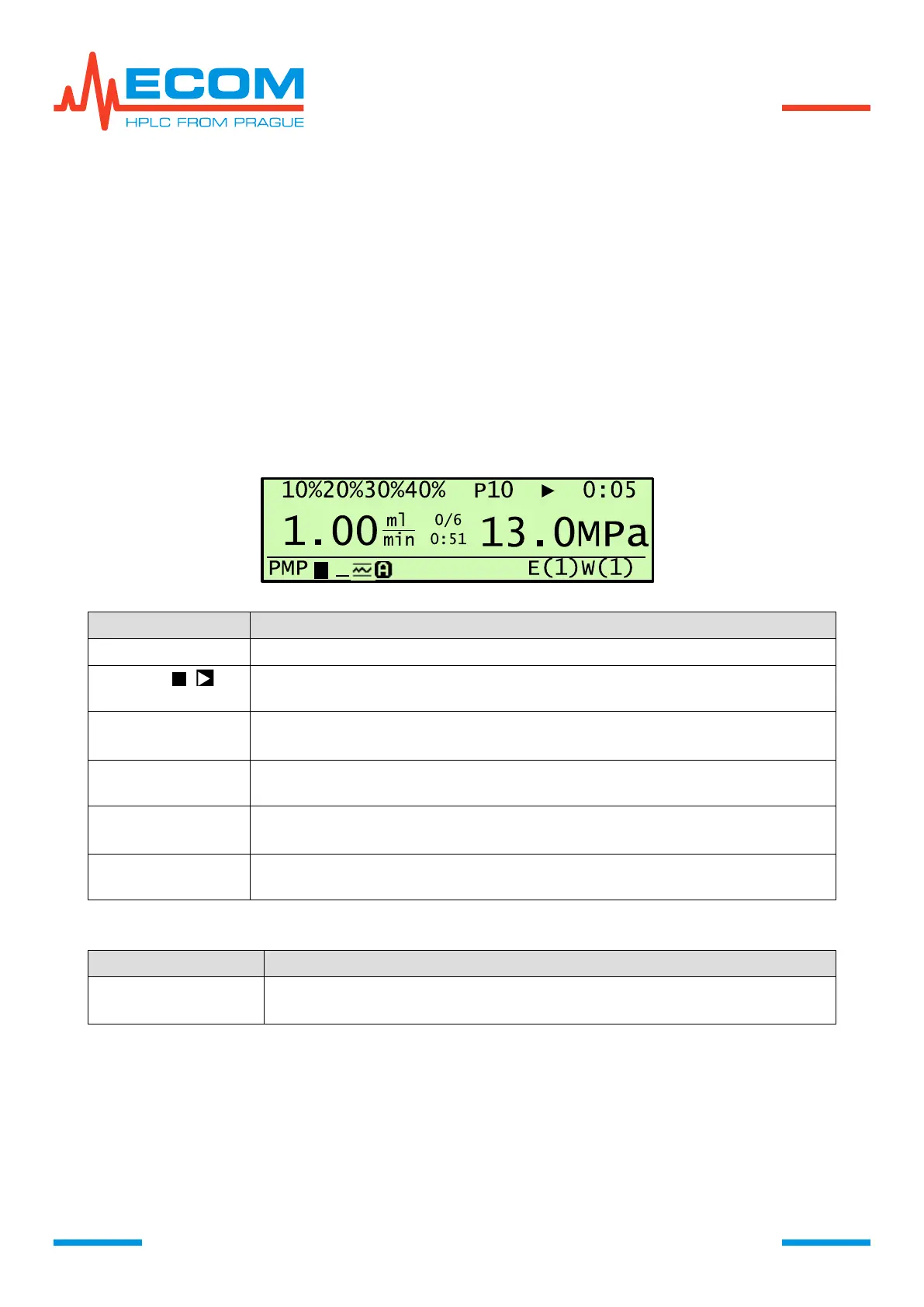
Program course can be traced on main screen, where are displayed parameters and
symbols stated in chapter 4.11. At the same time are displayed new items regarding the gradient
program process, depending on program phase or performed action.
Time status (min:s) until end of current step or Wait – waiting for start or
End – program terminated. Displayed below x/y.
Concentration is changed with visible countdown and countup of % in time
for each valve or step changes or is constant.


 To Next Page