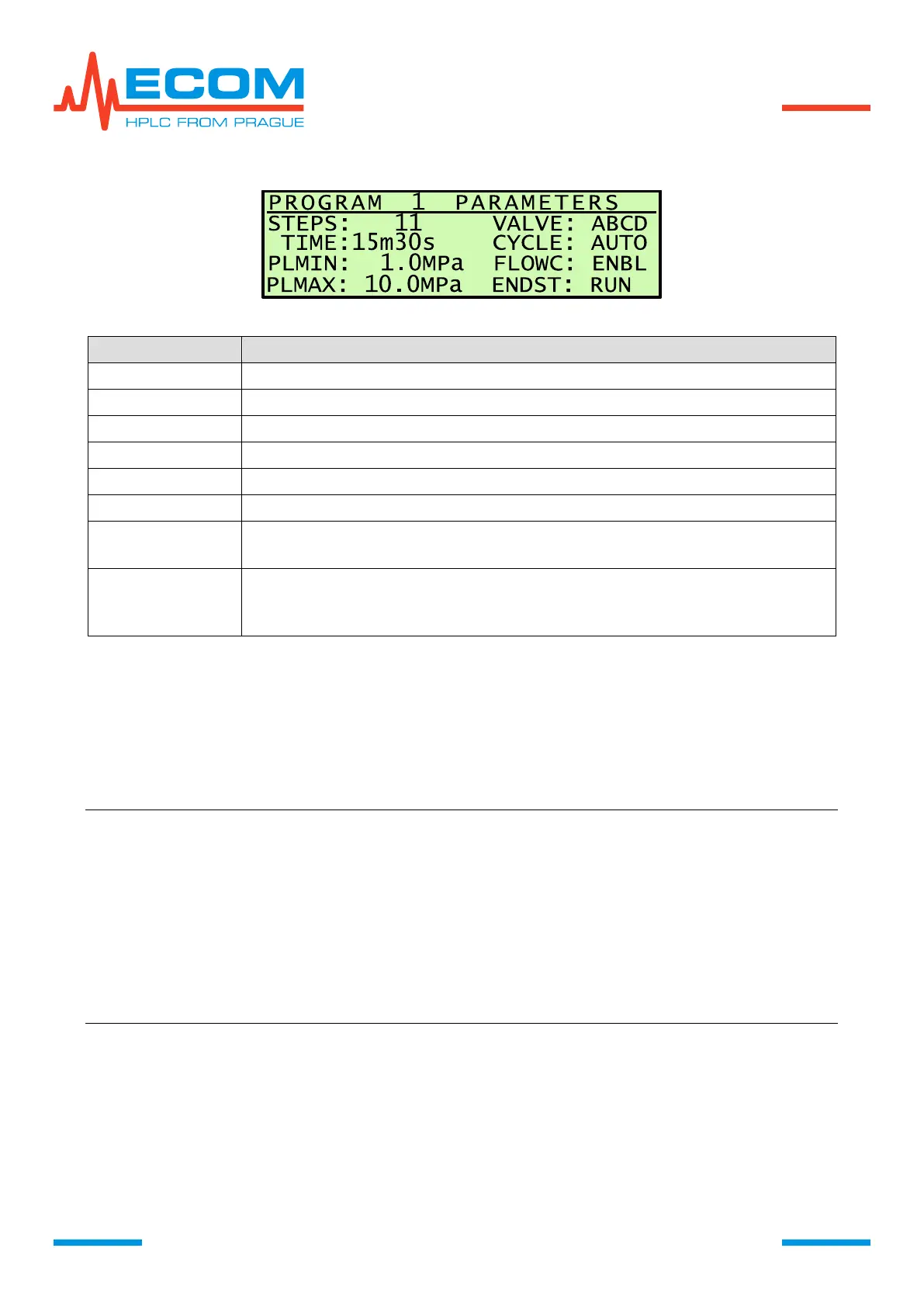
Options of program termination.
RUN = pumping continues; STOP = pumping stops; RPT = pumping
continues and reinitiates for restart.
6.3.4.3. Edit Program
In this menu item are created and edited programs. Submenu items are listed in flowchart
above.
First Gradient Program Creating
Choose desired sequence number of program X and press ENTER.
Note: We recommend to set at first menu item VALVE USED and other functions
before setting TIME TABLE.
Note: We recommend to save the program after setting all steps. Saving program is
proceed when leaving the program by pressing ESC – a window menu with
question save YES by pressing ENTER or NO by pressing ESC. After program
saving the screen is changed. X. EMPTY changes to X. S (xx). After pressing
ESC a confirming question is displayed, whether to leave without saving or not.
Note: After creating a program, we recommend to draft a graph of mobile phase
gradient concentration, flowrate in steps depending on time, with marked
beginning of each step.


 To Next Page