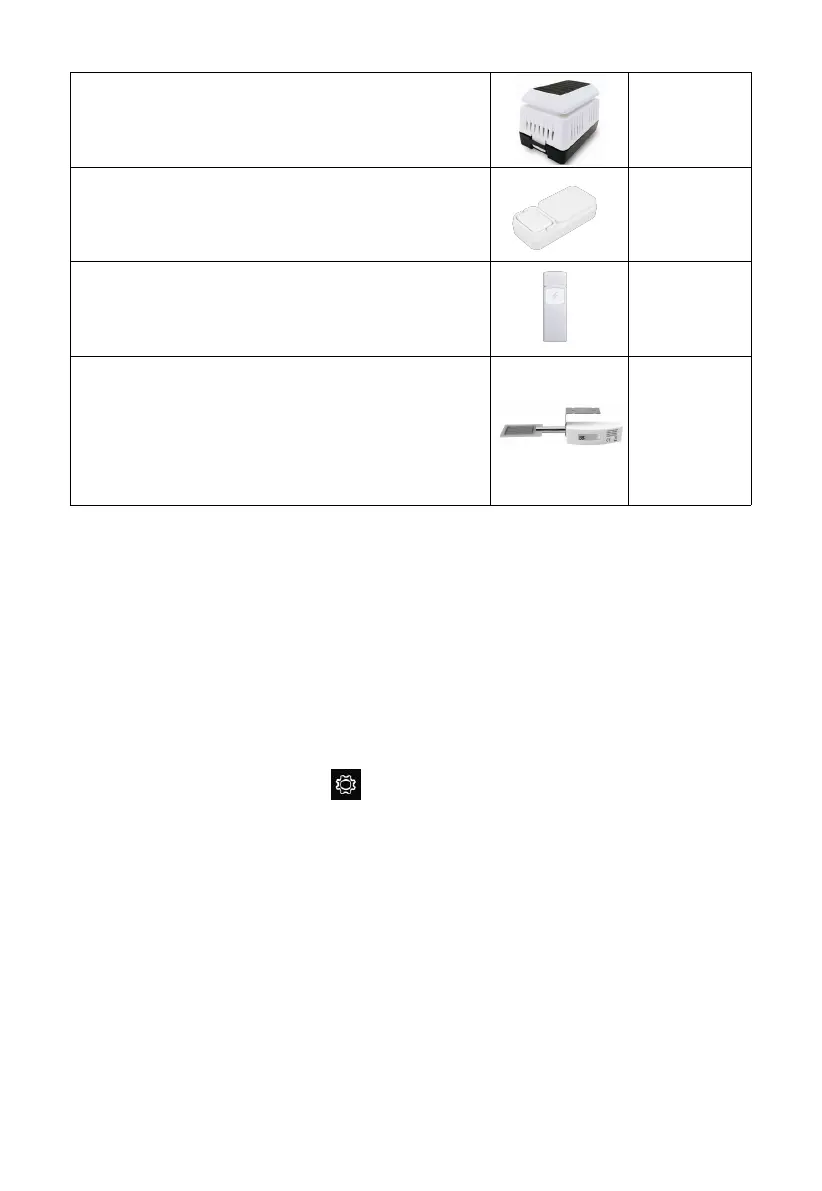
To pair the optional sensors with the HP2553 console, please follow the
below operations:
1. Place the optional sensor next to the console (keep 5-10ft away from each
other).
2. Install batteries on the sensor and wait for 1-2 minutes.
3. Check whether the console will pick up the sensor data automatically and
display it on the screen.
4. If not, press the gear icon and go to Setup page - find More and
enter its Setup page - find Sensors ID and enter its Setup page.
5. In the Sensors ID Setup page, find the sensor you want to pair - select the
ID number box and register it.
6. Once successfully, you may return to the main interface to check the data.
3.6 Features
7" large TFT (high resolution) colored display console
Two background (dark/light) themes selectable
Indoor temperature, humidity
WH45 Indoor PM2.5/PM10 CO2 air quality
sensor
WH57 Thunder and lightning
WN35 leaf wetness sensor
* the data won’t be displayed on the main
screen, it will show its data on the Channel
Data page.



 To Next Page