4.8 History Mode
4.8.1 View and Reset MAX/MIN
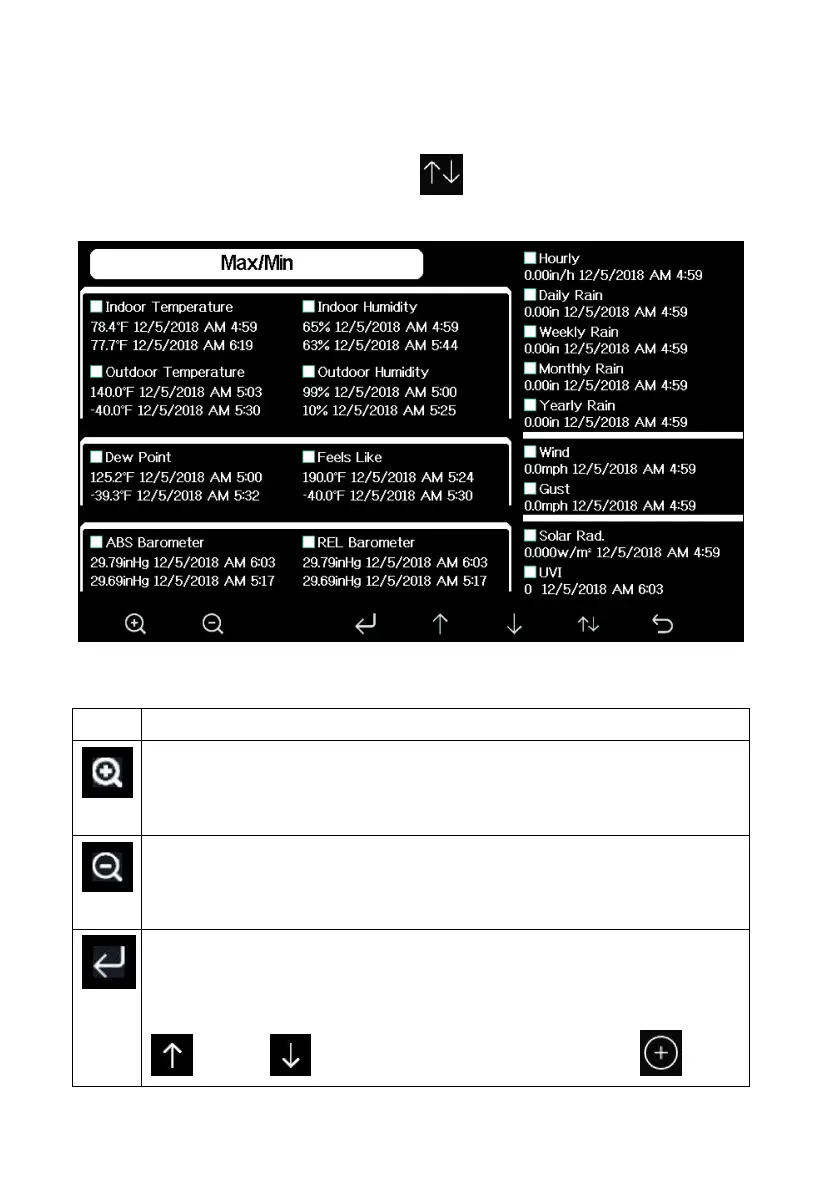
While in normal display, press the key once to view and reset
minimum and maximums.
Figure 22: Max/Min Screen
Selection key
Press this key to select the weather MAX/MIN record which need
to clear
Selection key
Press this key to select the weather MAX/MIN record which need
to clear
Enter key
While the desired weather MAX/MIN record selected , press this
key to popup Message Box ”Clear the Max/Min record?”. Press
key or key to select YES or NO. Press the key



 To Next Page