3.5 Optional sensor
The following optional sensors (purchased separately) can be used with
HP2553 console display.
If you have purchase extra sensors, just simple power up, the display
console will receives the data automatically. If sensor not reporting in to
console, the display console will re-search the data after one hour or restart
the console to search the data. Please refer to the sensor manual (provided
separately with sensor) for details.
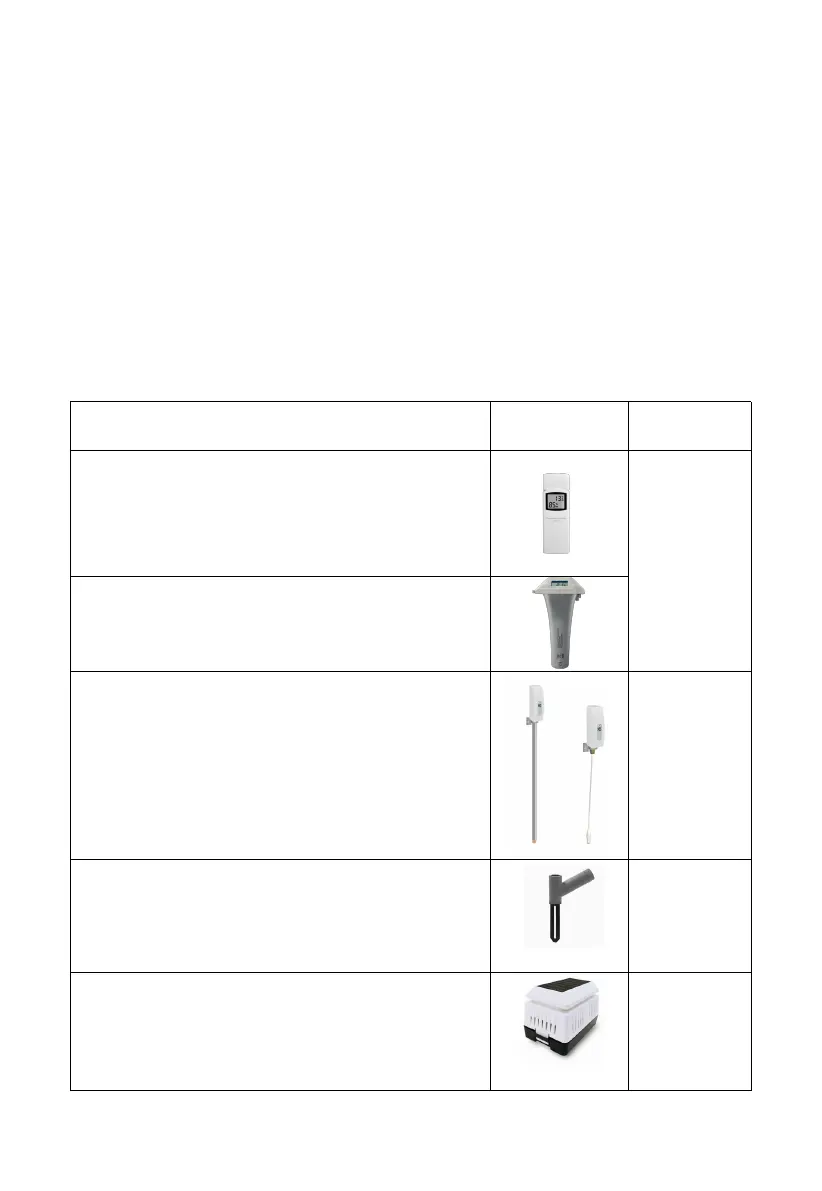
This table shows the maximum number of each type of sensor that can be
worked with console display
WH31 Multi-channel temperature and
humidity sensor
Or WN30 temperature sensor with wire
WN36 Wireless Floating Pool thermometer
* WN36 and WH31 share the eight channels
WN34S Stainless-steel probe thermometer
for soil and water
WN34L Wire probe thermometer for water
WN34S and WN34L share the 8 channels
WH51 Soil moisture sensor
WH41 outdoor PM2.5 air quality sensor
WH43 indoor PM2.5 air quality sensor
WH41 and WH43 share the channels



 To Next Page