You can use a micro SD card (max 32G, Fat 32) for the firmware update.
(micro SD card not included, cards of reputable make should be used).
Update firmware process:
1. Visit www.ecowitt.com for available update
2. On the navigation bar, select Manual & Firmware under Support
3. Search "HP2551" - find the firmware option and download it on your
computer
4. Take out your micro SD card from the console
5. Drag the unzipped file (user.bin) under the root directory of your micro
SD card.
6. Insert the card into the console - power off the console - power on the
console - update the program.
3.2 Indoor sensor
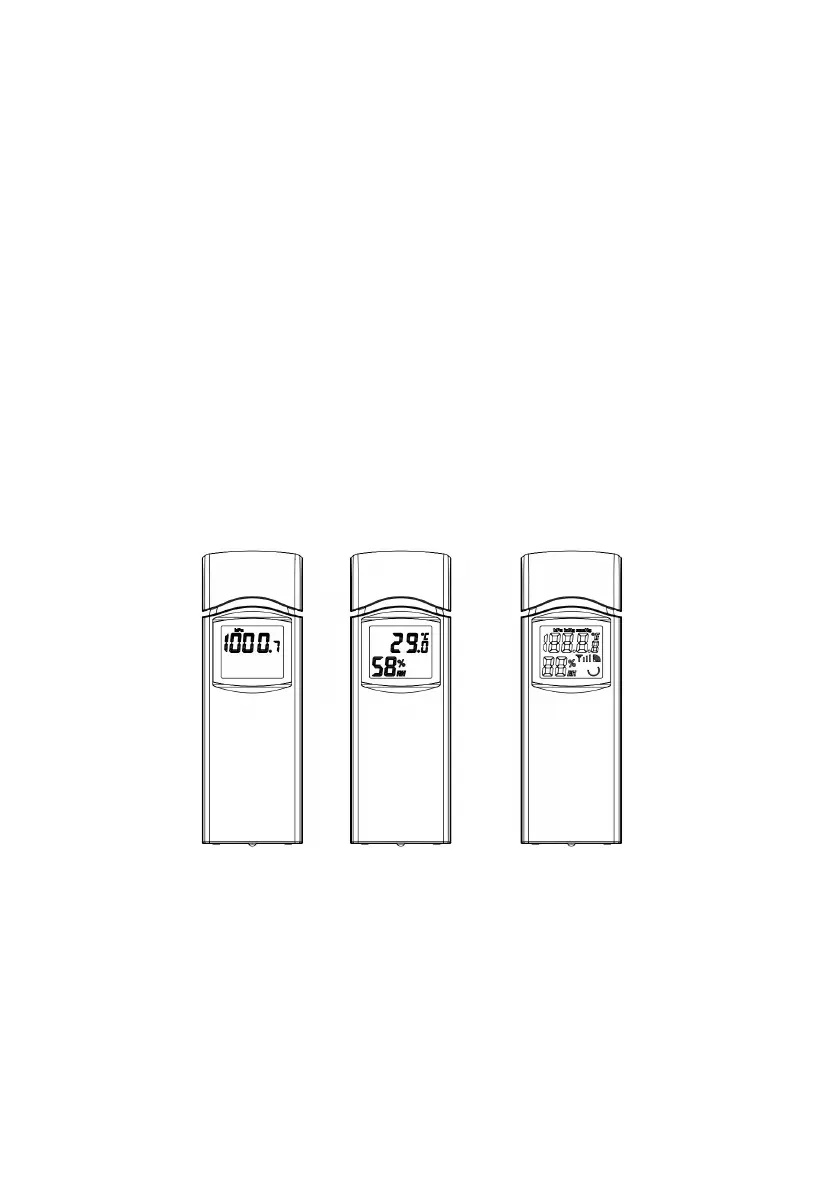
Figure 3: Indoor sensor 2 display variations
The indoor sensor will display indoor temperature, humidity and barometric
pressure alternately.



 To Next Page