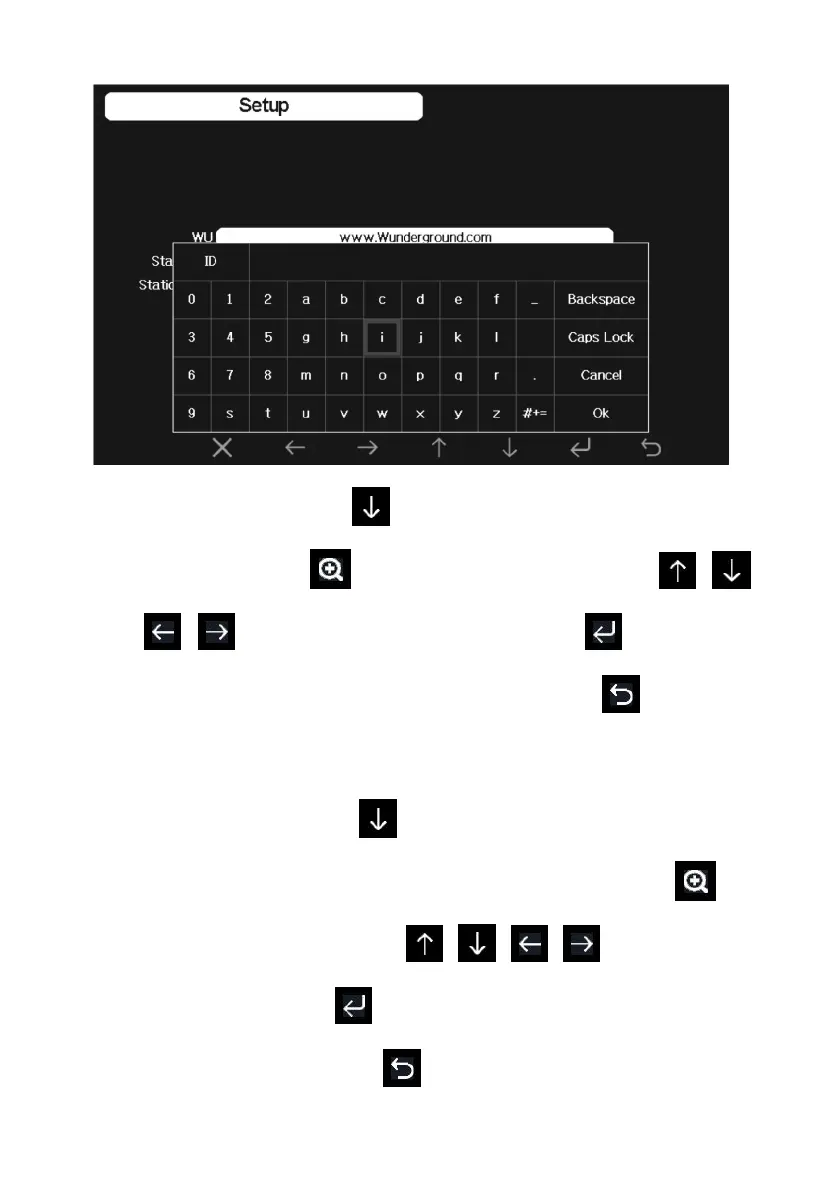
1) Set Station ID. Press to highlight the Station ID. Enter your
station ID. Press to display the keyboard. Press
to scroll to the character and press to select the
character. Press the “OK” button to confirm. Press to return to
the setup page.
2) Set Station Key. Press to highlight the station key. Enter your
password obtained from according weather server. Press to
display the keyboard. Press to scroll to the
character and press to select the character. Press the “OK”
button to confirm. Press to return to the setup page.



 To Next Page