AP Mode
17
5. Go to “Wireless Settings” > “5GHz 11ac 11an” and repeat steps 3 & 4 for
the access point’s 5GHz wireless network.
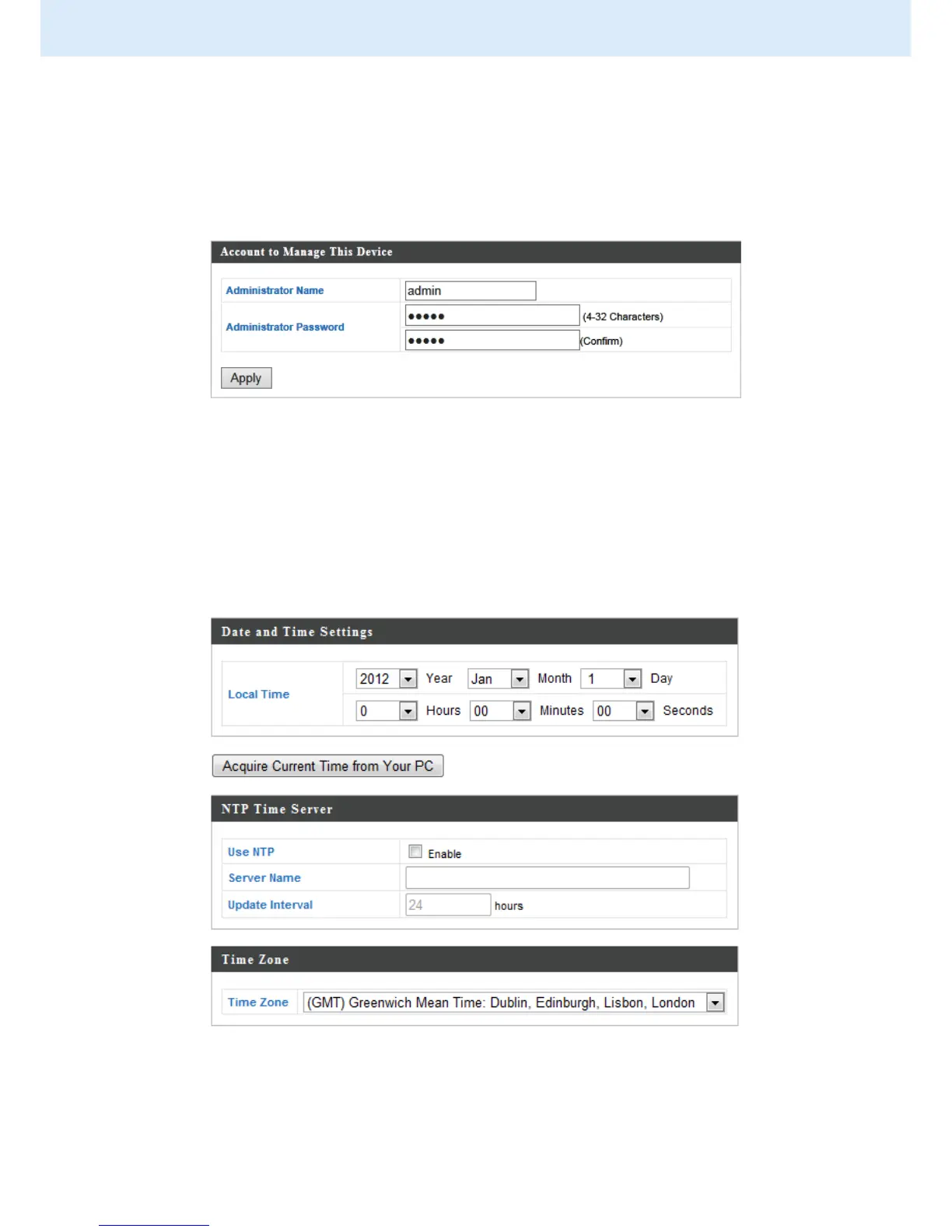
6. To change the administrator name and password for the browser based
configuration interface, go to “Management” > “Admin”.
7. Complete the “Administrator Name” and “Administrator Password” fields
and click “Apply”.
8. To set the correct time for your access point, go to “Management” >
“Date and Time”.
9. Set the correct time and time zone for your access point using the drop
down menus. The access point also supports NTP (Network Time Protocol)



 To Next Page