60
4. If you have Windows Defender (Windows XP) or other 3
rd
party firewall
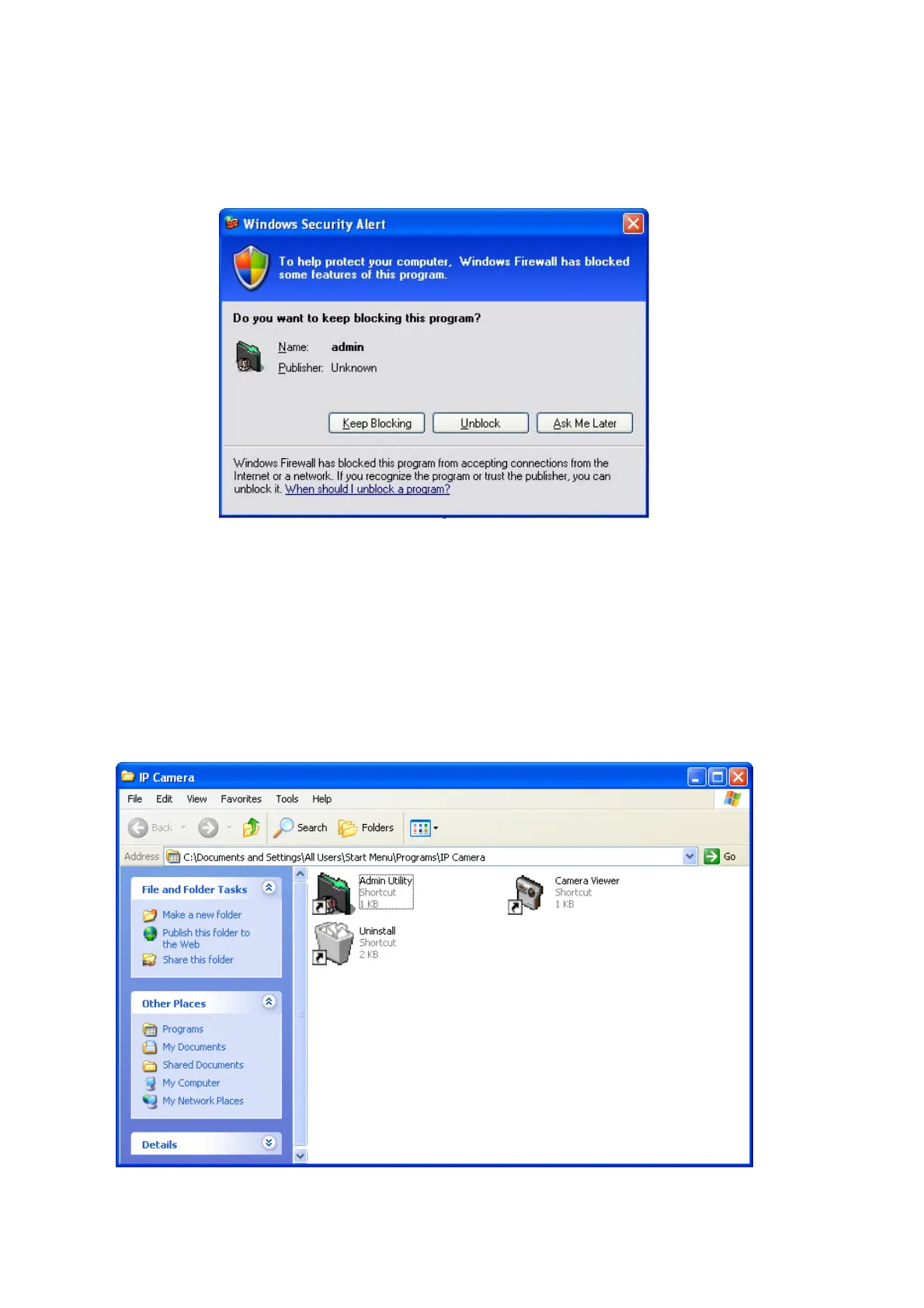
software, you may see the following (or similar) message:
Please click ‘Unblock’ (or similar option) to let IP camera Utility pass the firewall,
or the IP camera utility may not be able to function properly.
5. A new folder named ‘IP Camera’ in ‘All Programs’ will be created: Admin
Utility, Camera Viewer, and Uninstall. You can use these 3 utilities to connect to
the IP camera and use the functions of the camera without web browser.



 To Next Page