87
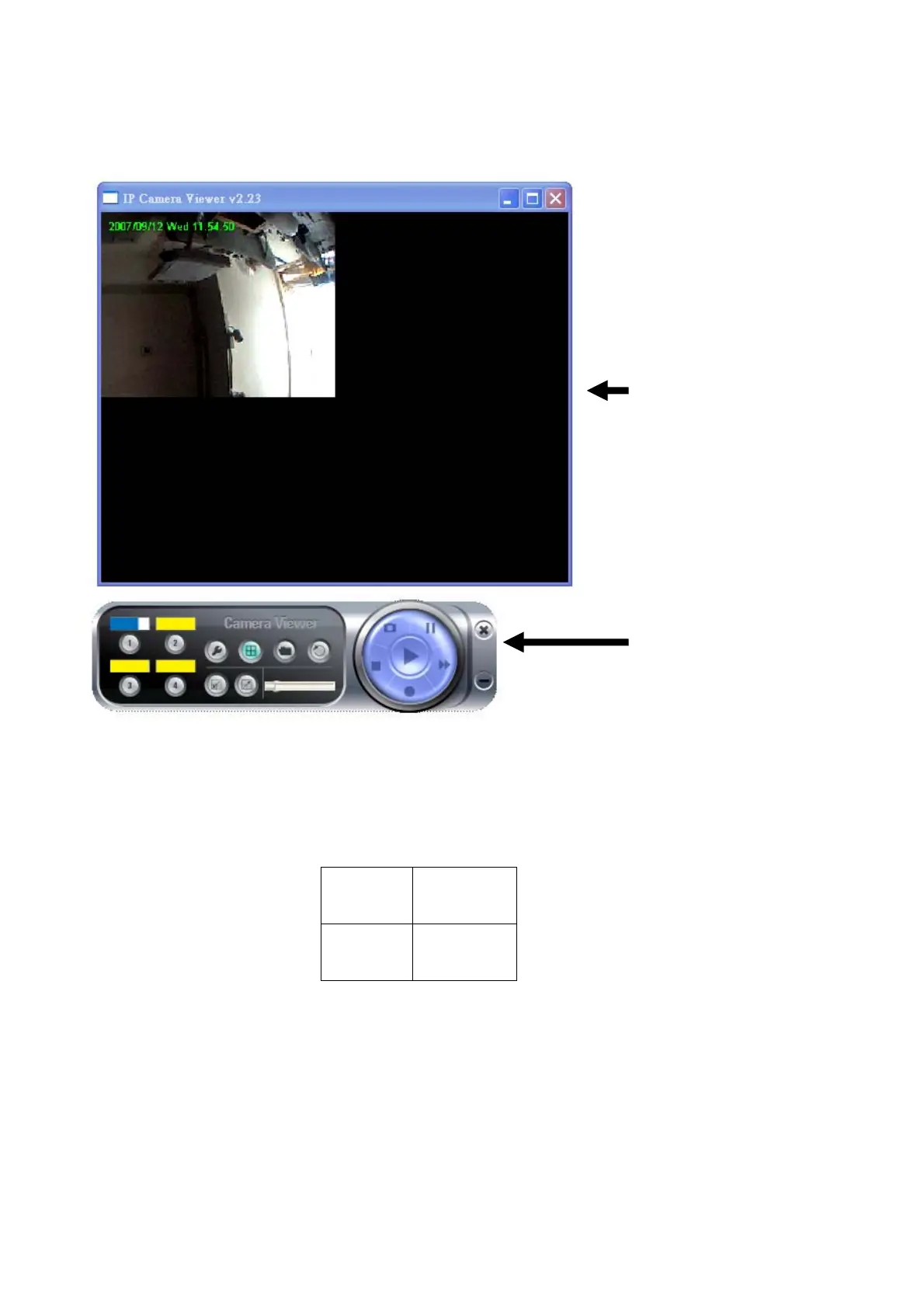
The user inteface of camera viewer utility looks like this, and consists two parts:
1) Real-time camera video viewer: Displays live video from IP camera, up to 4 videos
from different 4 cameras can be displayed in the same viewer window. Cameras
are arranged in the following order:
1 2
3 4
If any camera is not connected, nothing will be displayed in the corresponding
area. You can use you mouse to change the size of viewer window, to make the
window and the video bigger or smaller. Current date and time will be displayed at
upper-left corner for your reference.
2) Dashboard: Dashboard lets you control the camera; you can change camera view,
Video Viewer
Windows
Dashboard



 To Next Page