DCP 350 User Manual
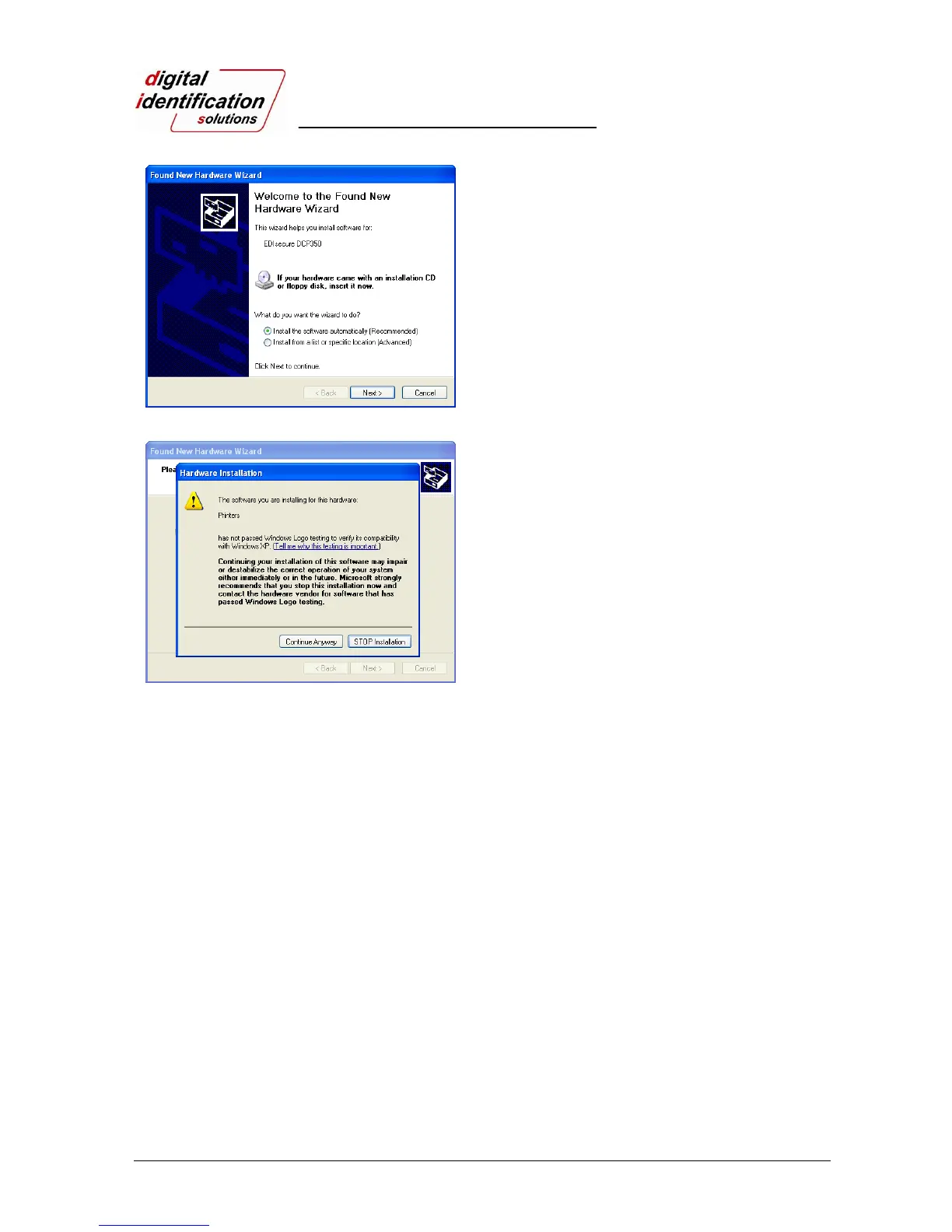
Pic.30 Install XP printer driver 12
2.3.10.
Select “Install the software automatically
(Recommended)”and click “Next”.
Pic.31 Install XP printer driver 13
2.3.11.
Click “Continue Anyway” in Software Installation
Window
2.3.12.
Click “Finish” in Completing the Found New
Hardware Wizard window..
2.3.13.
When the printer driver installation is completed.
Click “Close”.



 To Next Page