DCP 350 User Manual
Pic.41 Install Win7 driver 8
2.4.8.
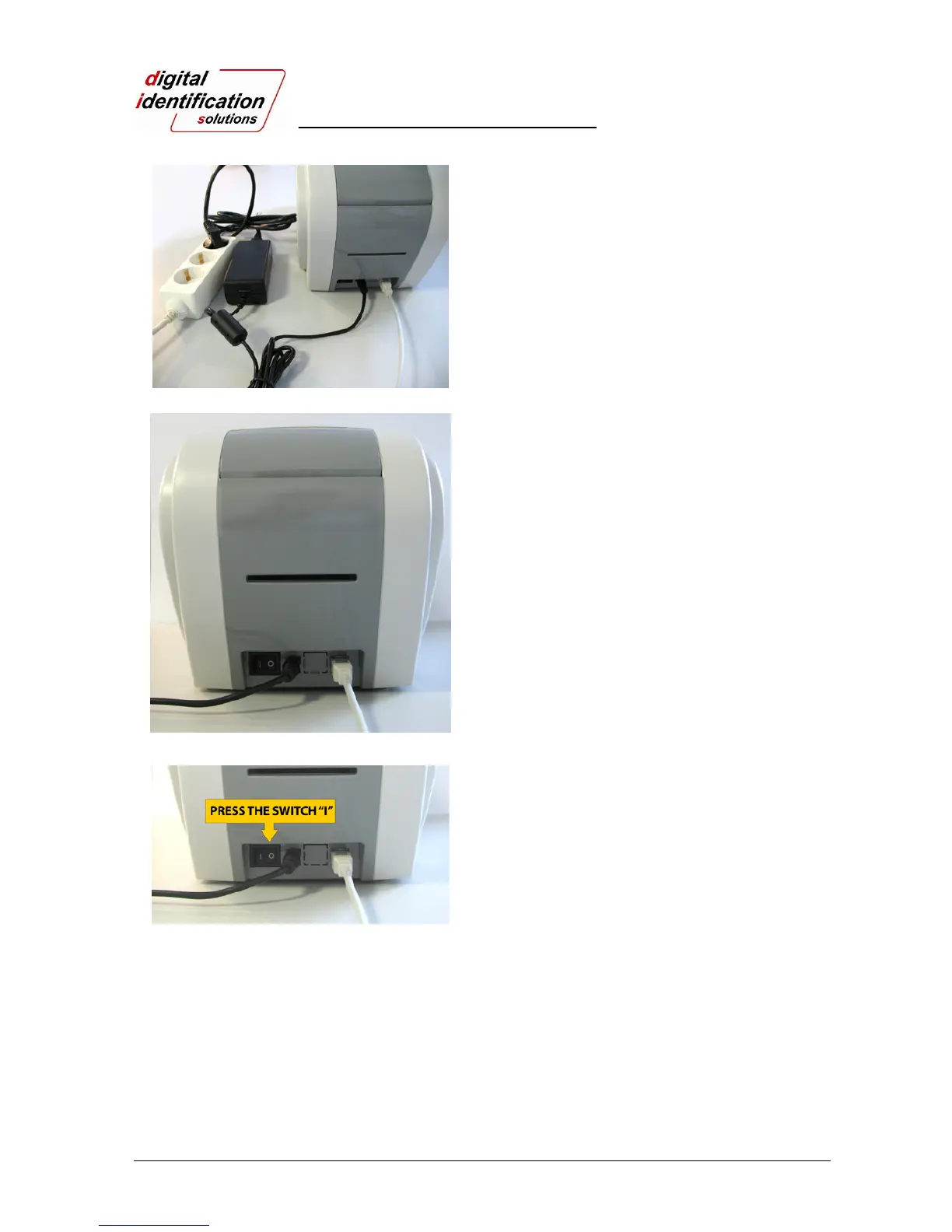
Please connect a power supply to the printer.
(If your printer is for network, please refer “2.5 Network
Configuration”.)
Pic.42 Install Win7 driver 9
2.4.9.
Please connect USB cable to the printer.
(If your printer is for network, please refer “2.5 Network
Configuration”.)
Pic.43 Install Win7 driver 10
2.4.10.
Please turn on the printer.



 To Next Page