DCP 350 User Manual
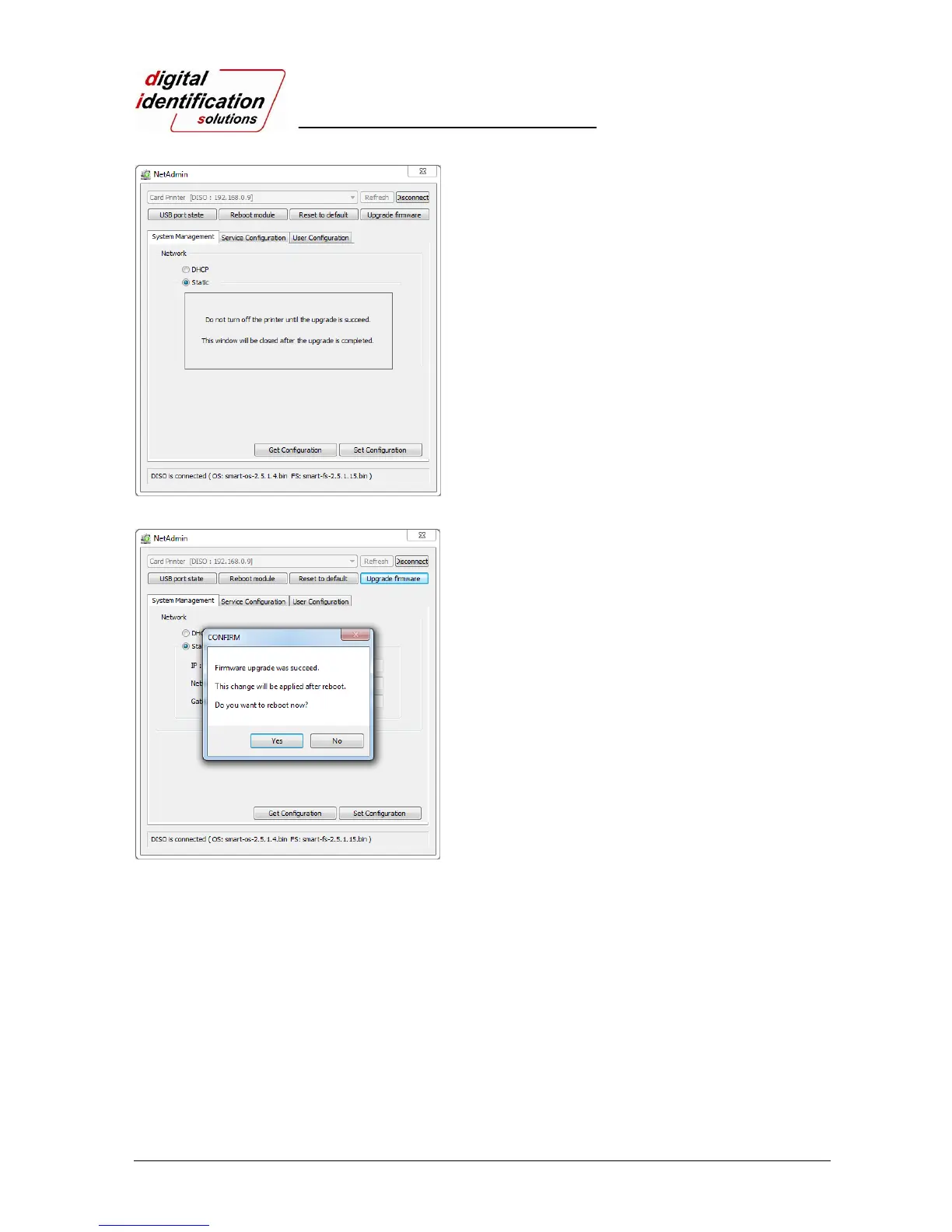
Pic.61 Upgrading the firmware 2
Warning box will be shown during firmware
upgrade for network module.
It is recommended not to do other work during
firmware upgrade for system reliability.
Please do not turn off the printer until the
upgrade is completed.
Pic.62 Upgrading the firmware 3
When firmware upgrade is completed, pop-up
comes out for reboot. Please click “Yes”.
It takes 1 minute to reboot.
Please click “Refresh” after reboot. When
proper printer shown, please connect printer by
clicking “Connect”.



 To Next Page