DCP 350 User Manual
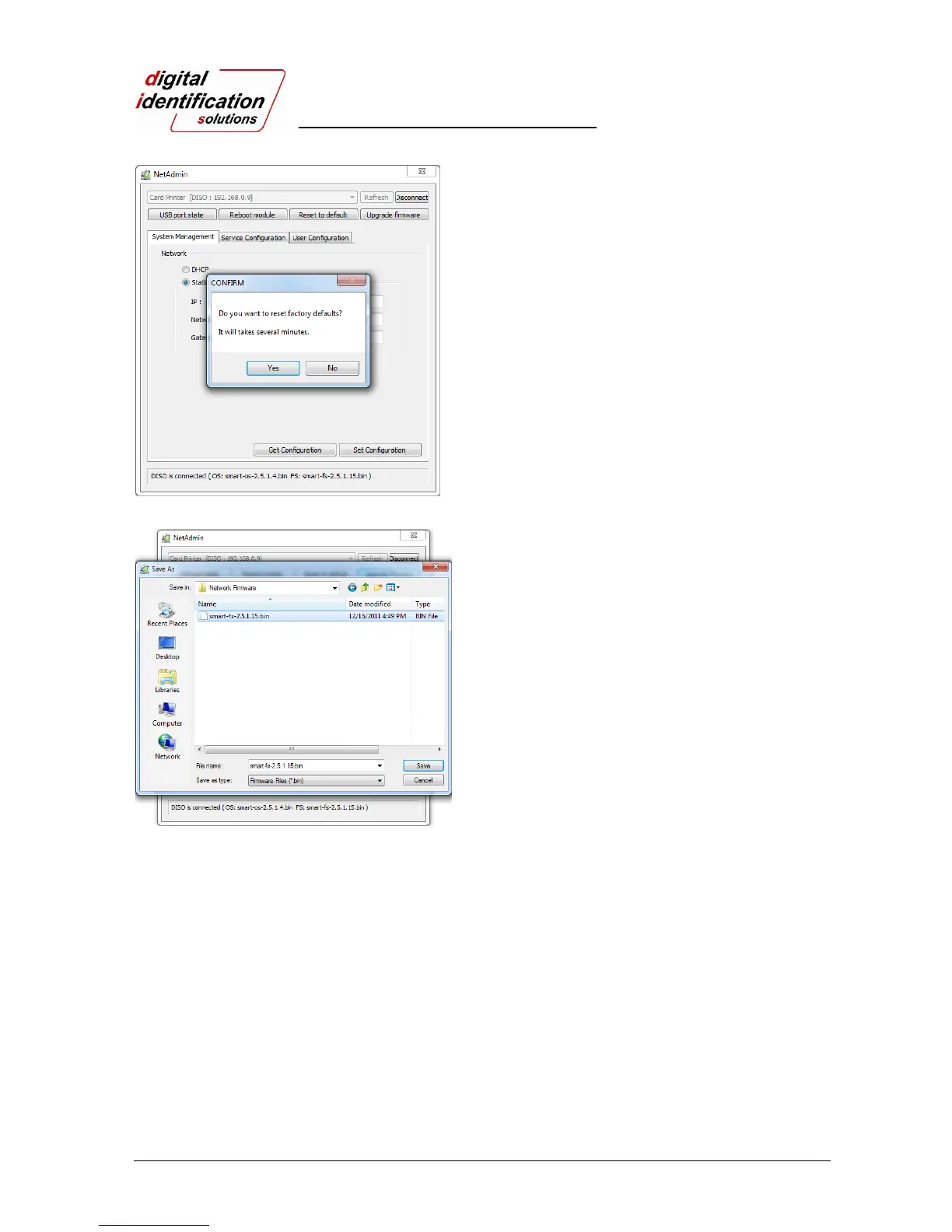
Pic.59 Reset to default
“Reset to default” resets to default and reboot
network module.
Please click “Yes” when pop-up window comes
out for reset.
It takes 1 minute to reboot.
Please click “Refresh” after reboot. When
proper printer shown, please connect printer by
clicking “Connect”.
Pic.60 Upgrading the firmware 1
“Upgrade firmware” enables to upgrade
firmware of network module.
You can choose a firmware file.



 To Next Page