EE Bright Box User Manual
119
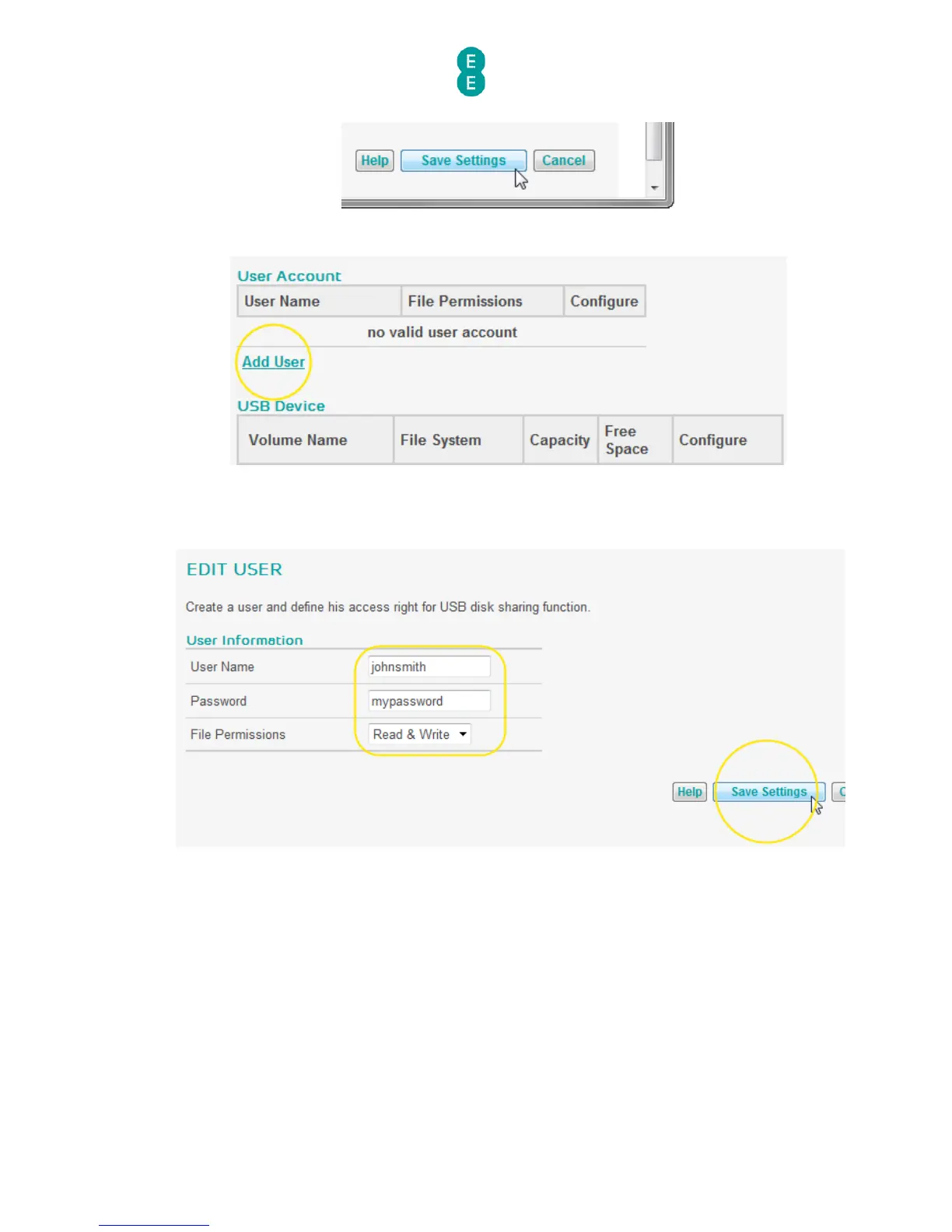
8. In the user account section, click Add User:
9. On the Edit User screen enter a ‘User Name’, ‘Password’ and select the ‘File
Permissions’ type you want to assign the user (Read & Write or Read Only) and click
Save Settings:
10. In the USB device section, click Share to display the NAS Shared list page
11. Optional: Change the Share Name for the drive (this is the name that appears in the
Network on Windows or Mac OS X) if you want to give it a new name. Please ensure that
the share name doesn’t contain any spaces.
12. Tick the box next to the user account you created in step 9 and click Save Settings:



 To Next Page