EE Bright Box User Manual
39
If you are having problems reconnecting after a change to the router’s wireless settings
you may also need to delete your old wireless network location for the Bright Box in Windows
or Mac OS X before trying again.
If you have accidently made a configuration change or multiple changes on an admin page
(and have not clicked Save Settings), and you wish to cancel that change, click the cancel
button at the bottom of the page:
You cannot cancel a configuration change on a page after clicking the Save Settings
button as Save Settings will apply the change to the page. If you click Save Settings and
then want to roll back on a previous setting, you will need to change that setting yourself and
click Save Settings again to re-apply.
HELP PAGES
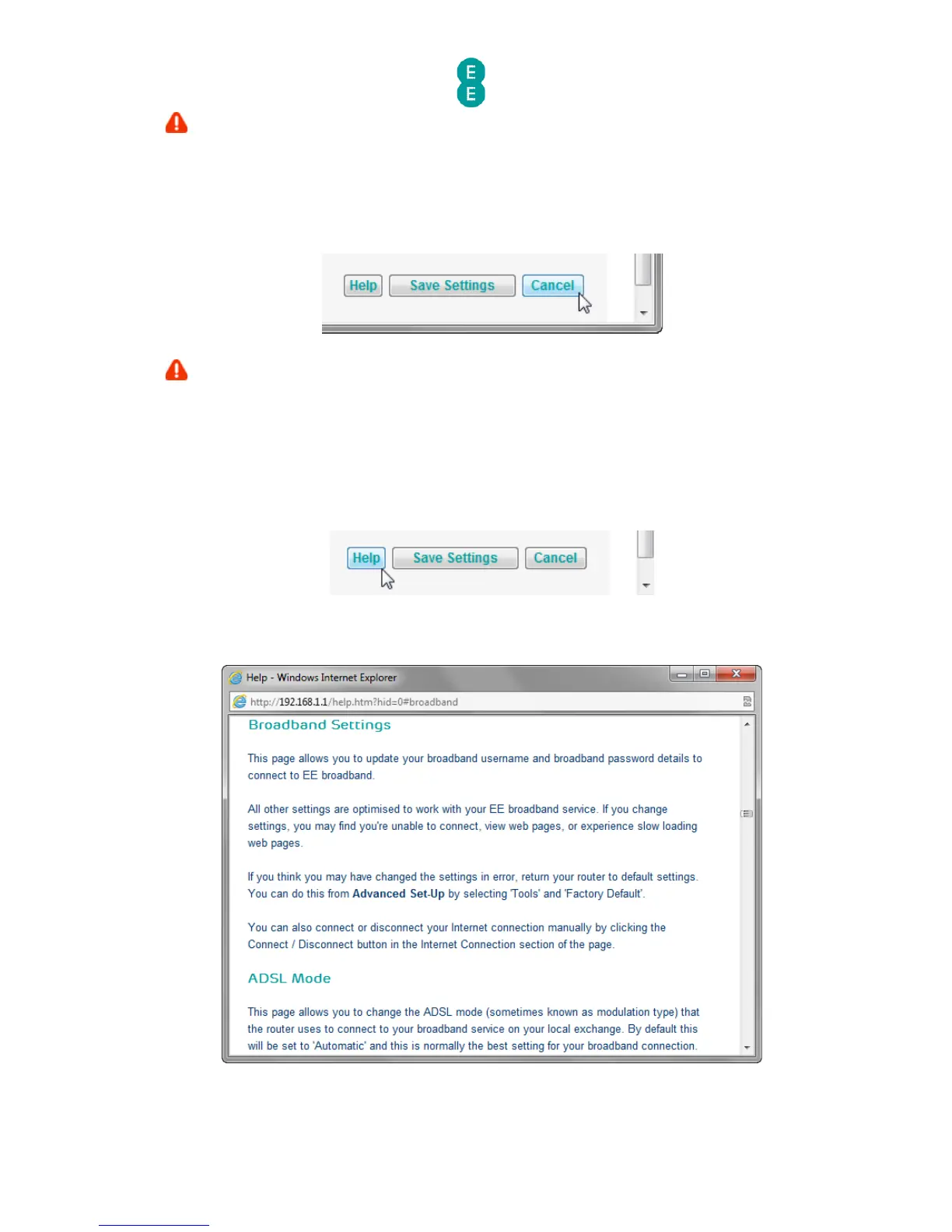
You can display contextual help information on admin pages by clicking the Help button on
any page:
This will open a window with the relevant help information for that particular admin page:



 To Next Page