EE Bright Box User Manual
40
CHAPTER 5: THE BRIGHT BOX STATUS PAGE
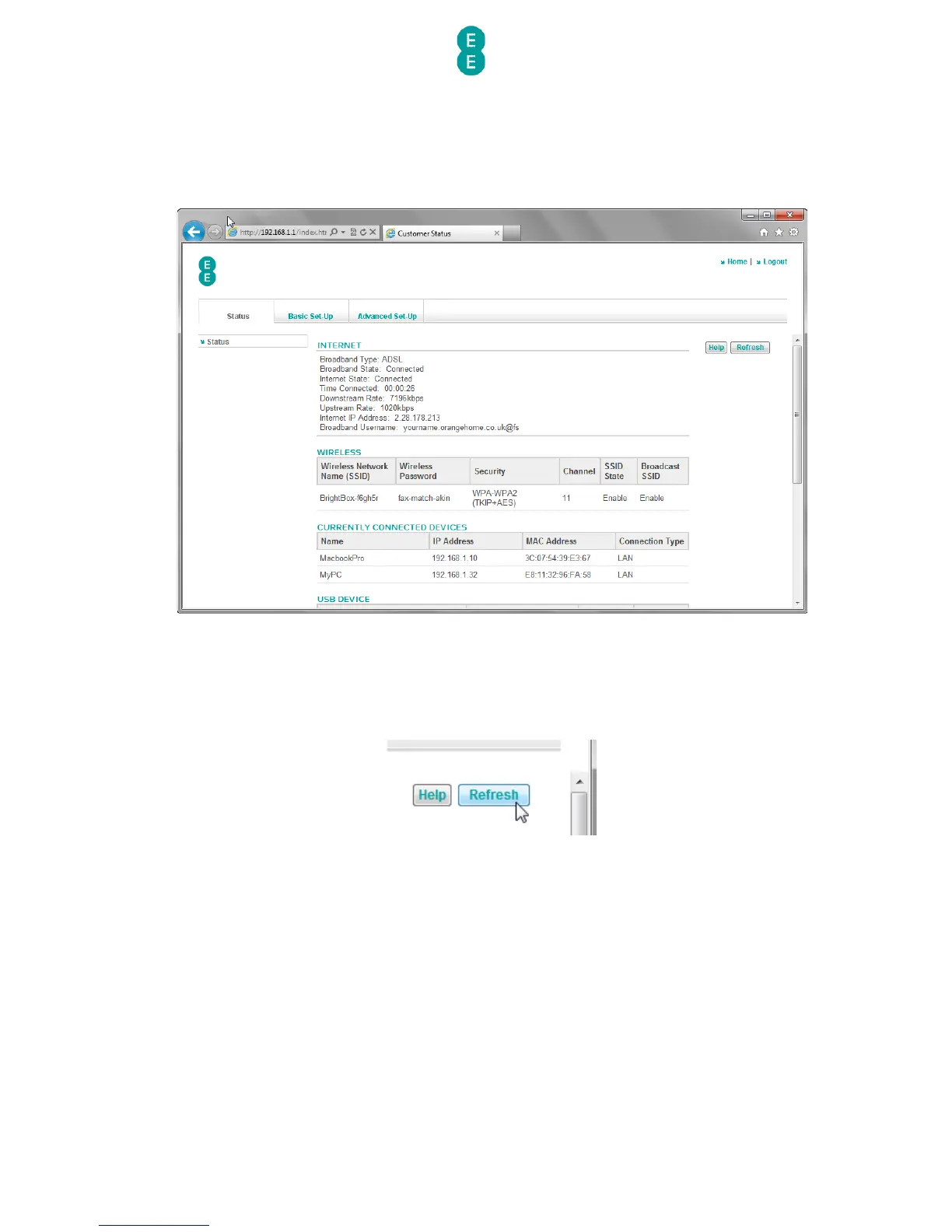
The status page is where you'll find all the information you need about the status and
settings on your router.
The status page is made up of five separate sections – Internet, Wireless, Currently
Connected Devices, USB device and Information.
The status page will automatically refresh every 15 seconds, however you can manually
refresh the page by clicking the refresh button at the top of the page:
The follow sections describe the elements of the status page in more detail.
INTERNET STATUS
In this section you can check your Internet connection status, speed of your connection and
how long you’ve been connected for.



 To Next Page