Press this button briefly to activate the Intelligent Wireless
process or press this button for 5 seconds to activate WPS
(WPS will only be available when enabled in the router’s
admin pages – (see
Wi-Fi Protected Setup
on page 79)
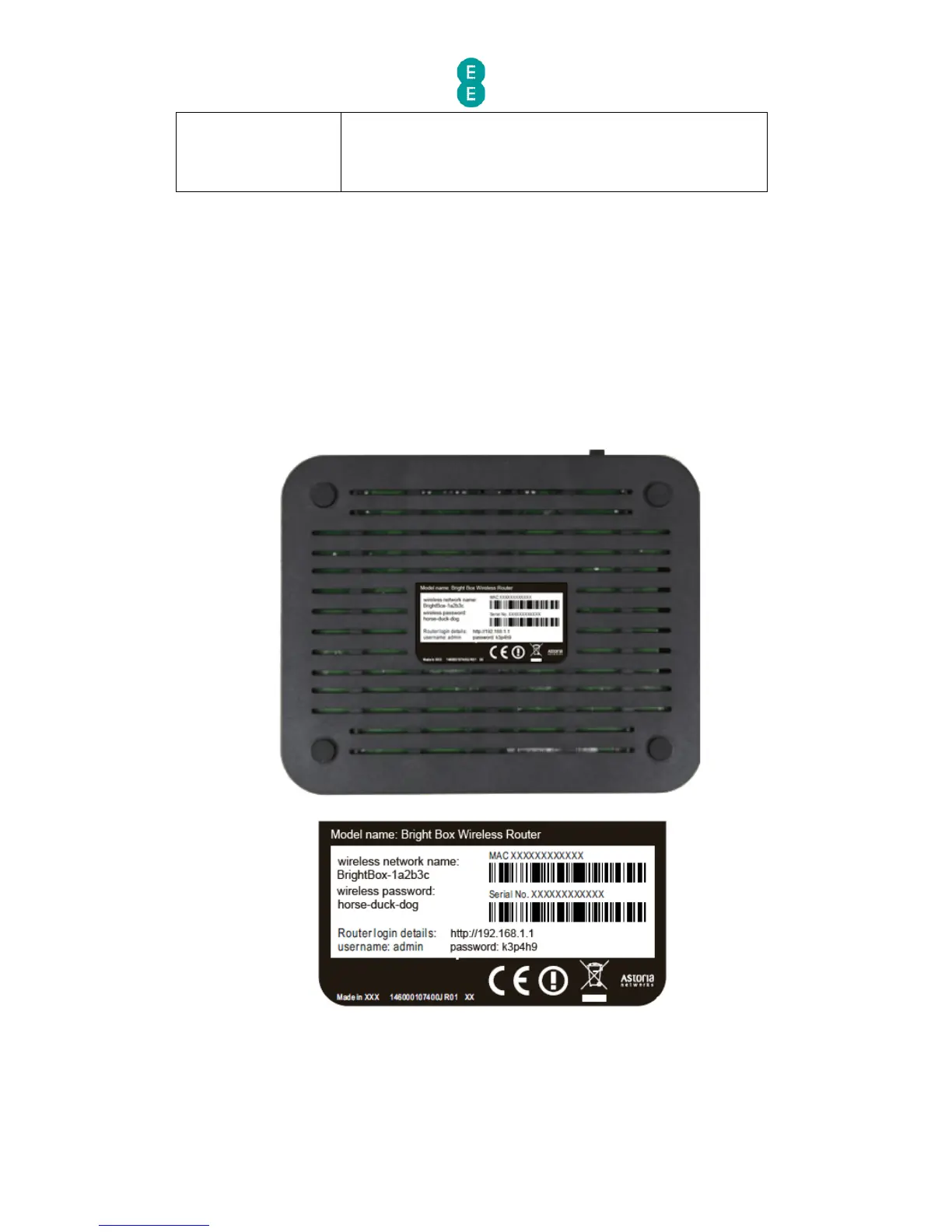
BOTTOM PANEL VIEW
On the base or bottom of the router, you’ll find a sticker detailing the information below:
• Model name of router (Bright Box Wireless Router)
• Wireless network name (also known as SSID), e.g. BrightBox-1a2b3c
• Wireless password – 6 character random password
• Router login details – i.e. 192.168.1.1
• Router login username and password
• The MAC address and Serial number of the router



 To Next Page