EE Bright Box User Manual
86
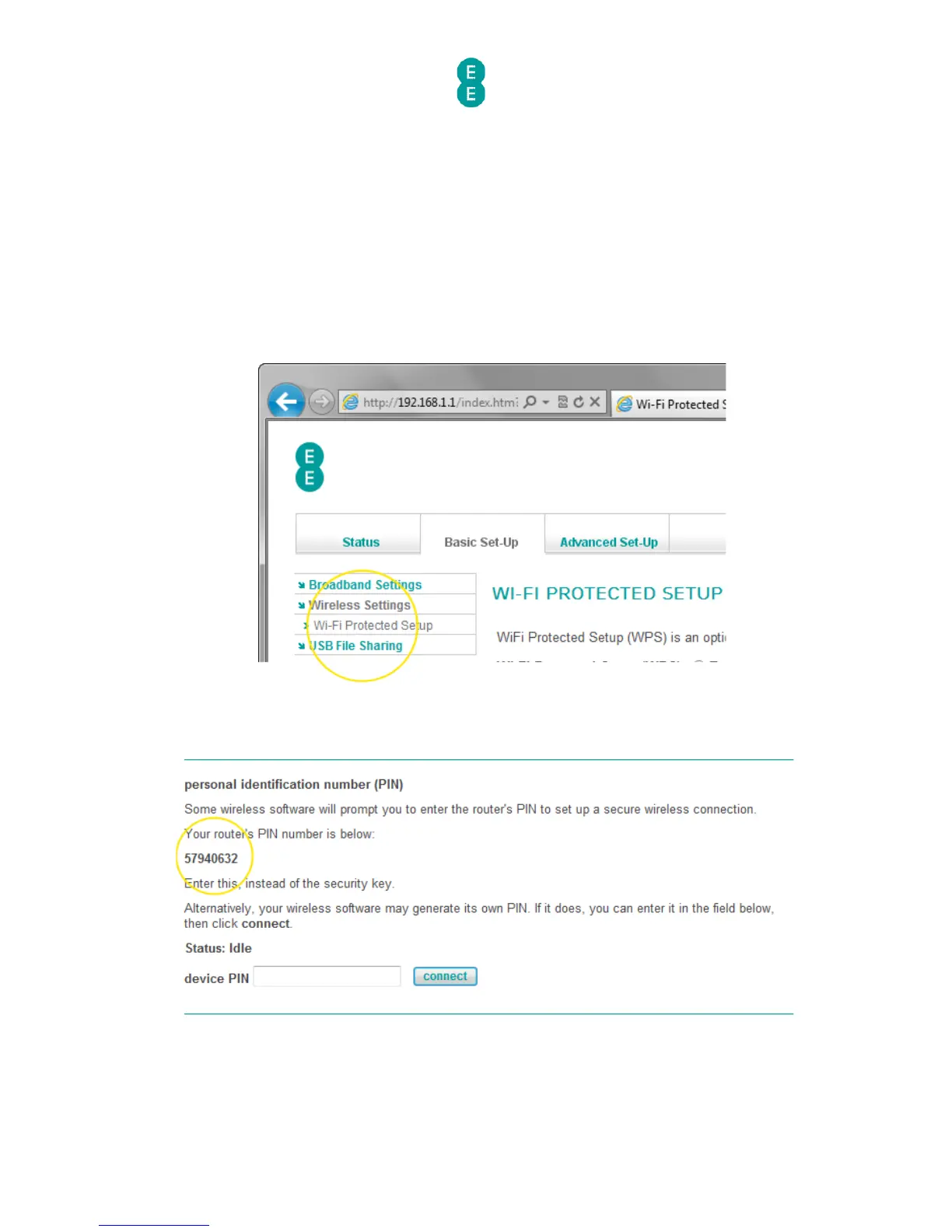
How to establish a WPS connection using the personal identification
number (PIN) method
To connect the Bright Box router to a WPS device using the PIN method you will need to do
the following:
1. Login to the router’s admin pages.
2. Click on the Basic Set-Up tab and then select Wireless Settings from the left hand
menu.
3. Select Wi-Fi Protected Setup from the left hand menu:
4. Scroll down to the personal identification number (PIN) section of the page and
make a note of the router’s PIN number:
5. Launch the wireless connection software in your operating system and when prompted,
enter the PIN number of the router and click Next to establish a connection using WPS.



 To Next Page