EE Bright Box User Manual
19
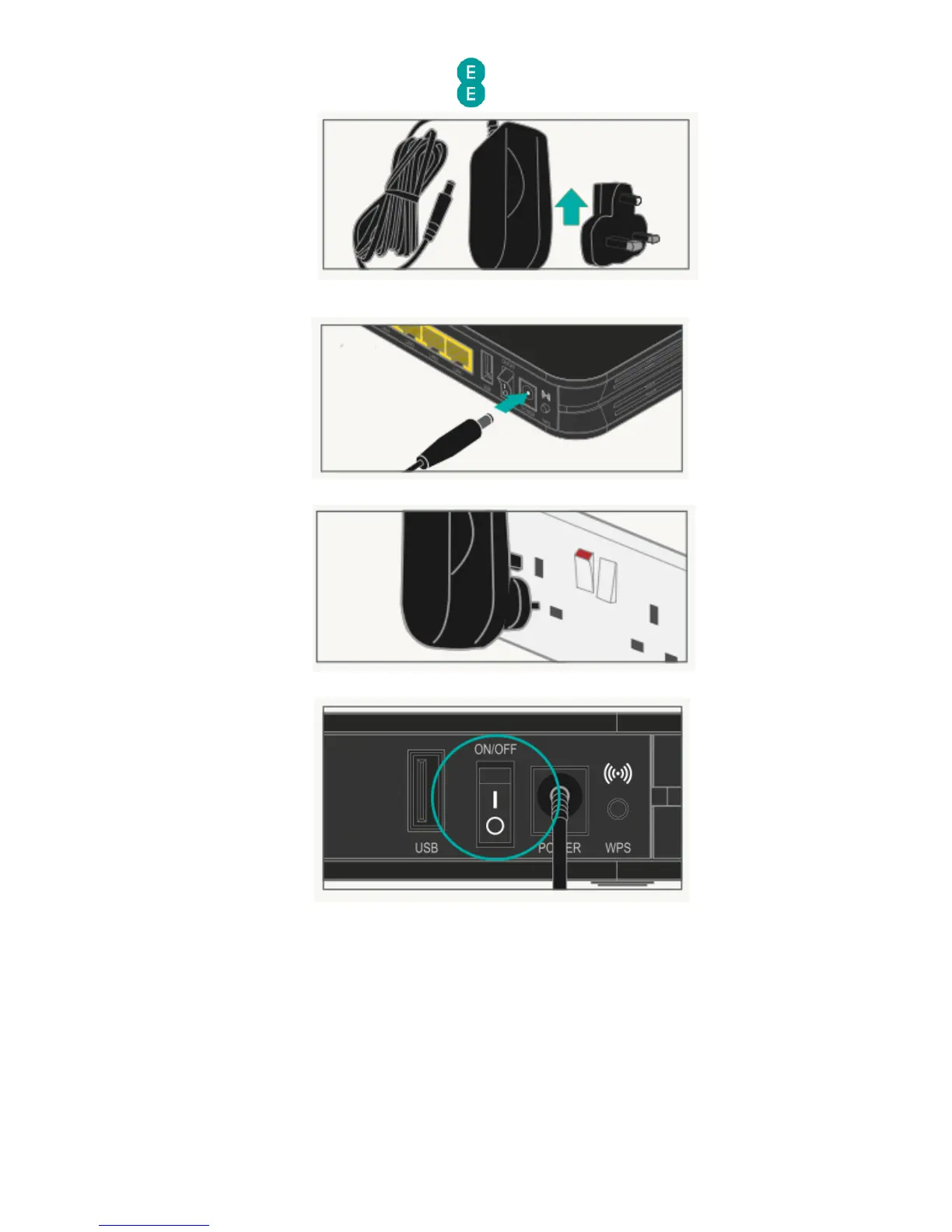
3. Plug the power cable into the router:
4. Connect the power supply into a plug socket and turn it on.
5. You can now switch on your router.
Check it over
Everything should now look like this, the power light will go green and the broadband light
will go green shortly afterwards:



 To Next Page