EE Bright Box User Manual
14
CHAPTER 3: INSTALLATION
UNPACKING YOUR BRIGHT BOX WIRELESS ROUTER
To make your life easier, we’ve already set-up your Bright Box wireless router so it will
connect to the Internet once your broadband is ready. Simply plug it in and connect your
device. If you’d like a helping hand, follow this guide and you’ll be online in no time.
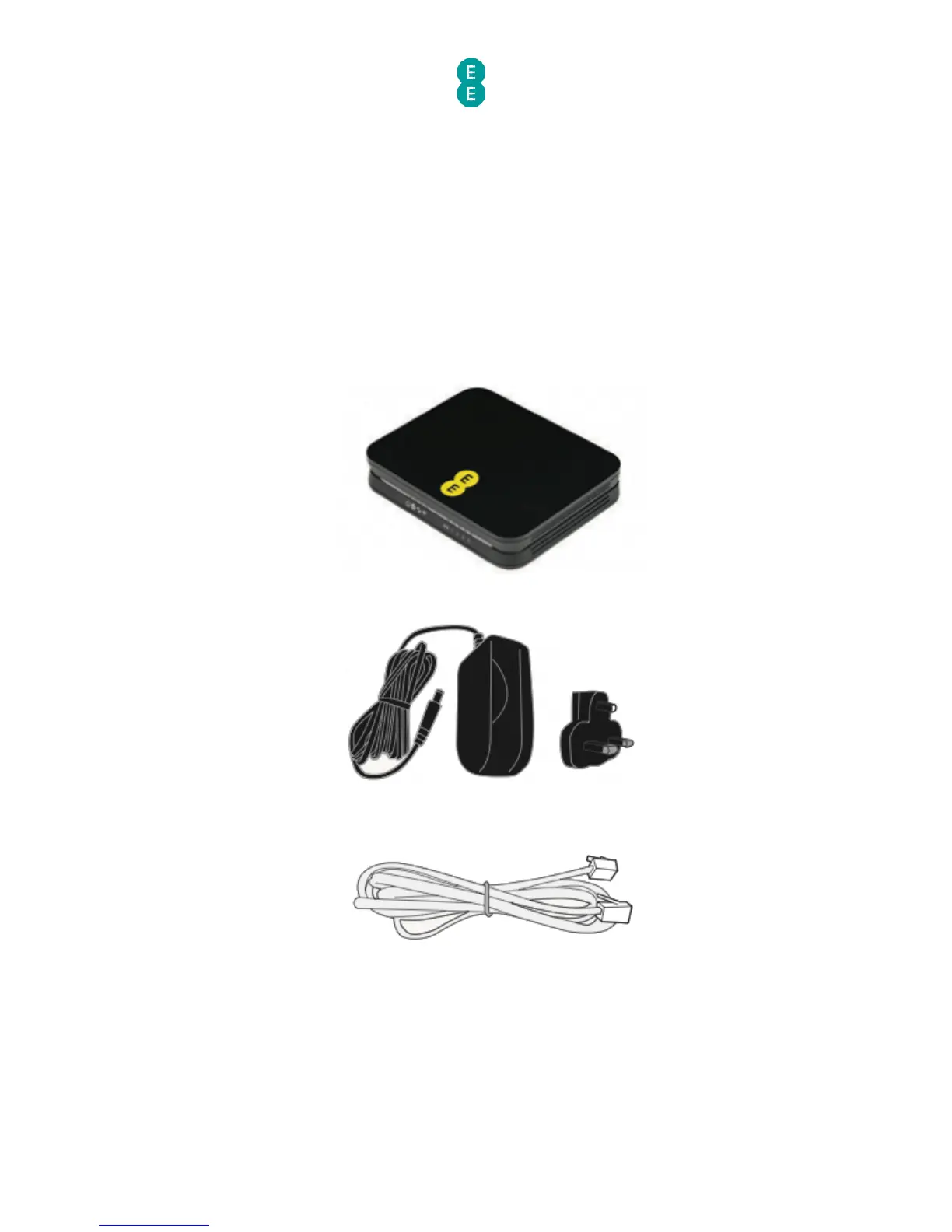
The box should include the following items:
A Bright Box Wireless Router:
2-Part power supply:
Grey broadband cable (for ADSL broadband only)
2 x broadband filters



 To Next Page