EE Bright Box User Manual
9
CHAPTER 2: ROUTER IDENTIFICATION AND PANELS
ROUTER IDENTIFICATION
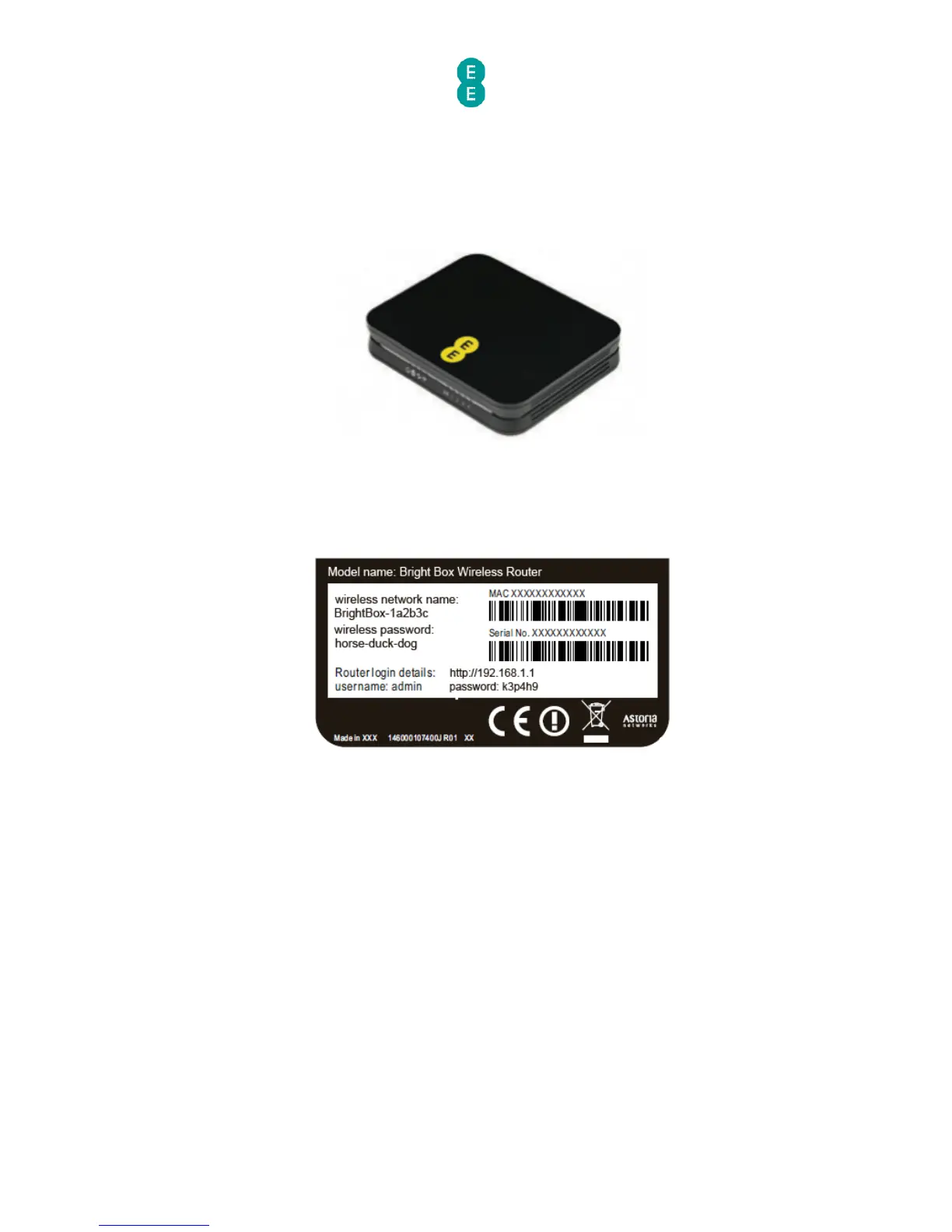
The Bright Box Wireless Router is black with an EE logo printed on the top of the device, as
illustrated below:
On the bottom of the router you will find a sticker detailing the model name, MAC Address,
Serial Number and important wireless information including your wireless network name (also
known as an SSID) and wireless password. The sticker also includes the URL used for
accessing the router admin pages (http://192.168.1.1) and the username and password to
login to the admin pages.
FRONT PANEL VIEW AND LED STATUS
On the front panel of the Bright Box Wireless Router, you’ll find 9 green LED lights, which can
be used to indicate the status of the router:



 To Next Page