EE Bright Box User Manual
17
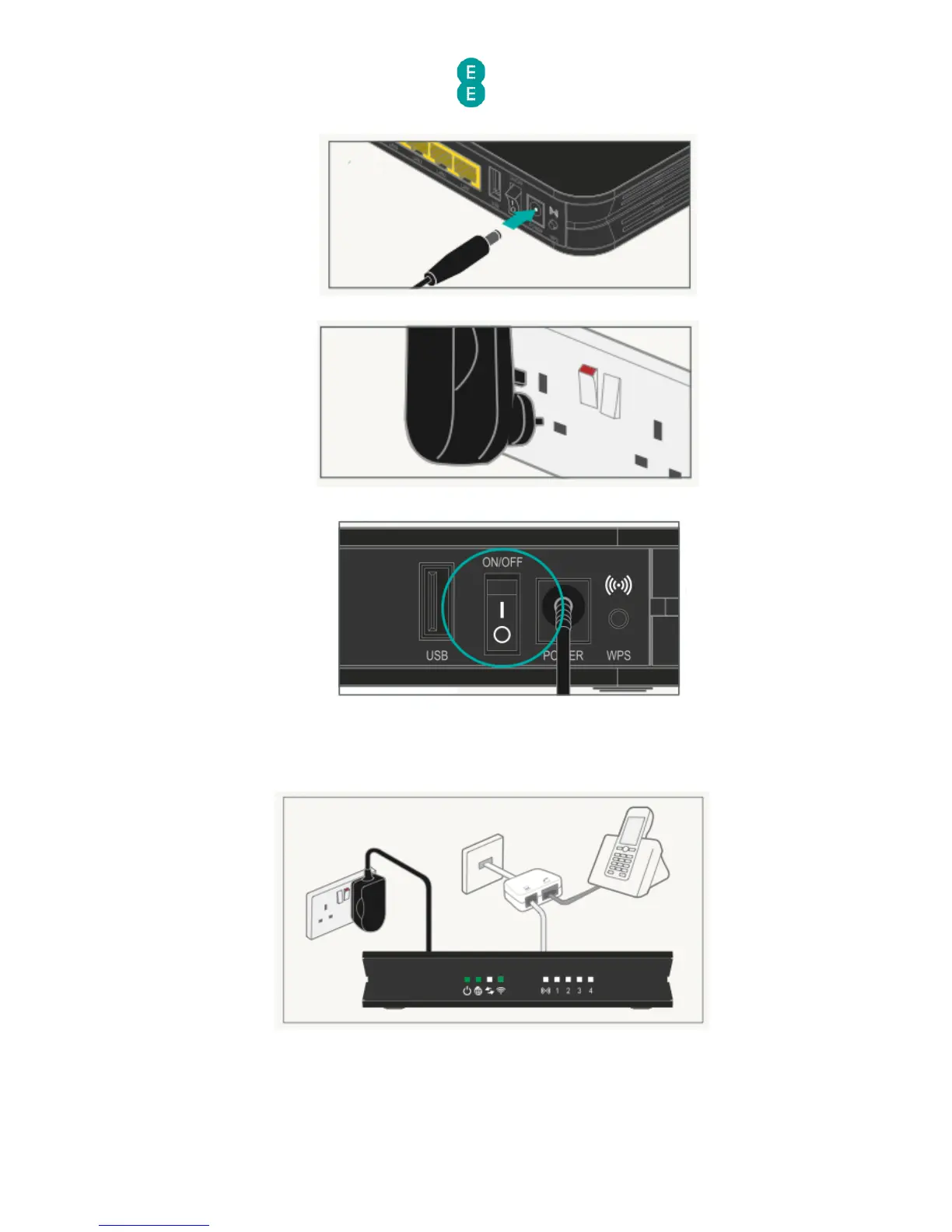
3. Plug the power cable into the router:
4. Plug the other end into a plug socket and turn it on:
5. You can now switch on the router:
Check it over
1. The power light will go green and the broadband light will go green shortly afterwards.
2. Your set up should now look like this:
Your home broadband is being set up
This will take up to 5 minutes, so relax and let us do the leg work.



 To Next Page