EE Bright Box User Manual
95
CHAPTER 7: BRIGHT BOX ADVANCED SET-UP PAGES
The Advanced Set-Up pages contain configuration pages for a wide variety of advanced
Bright Box router features.
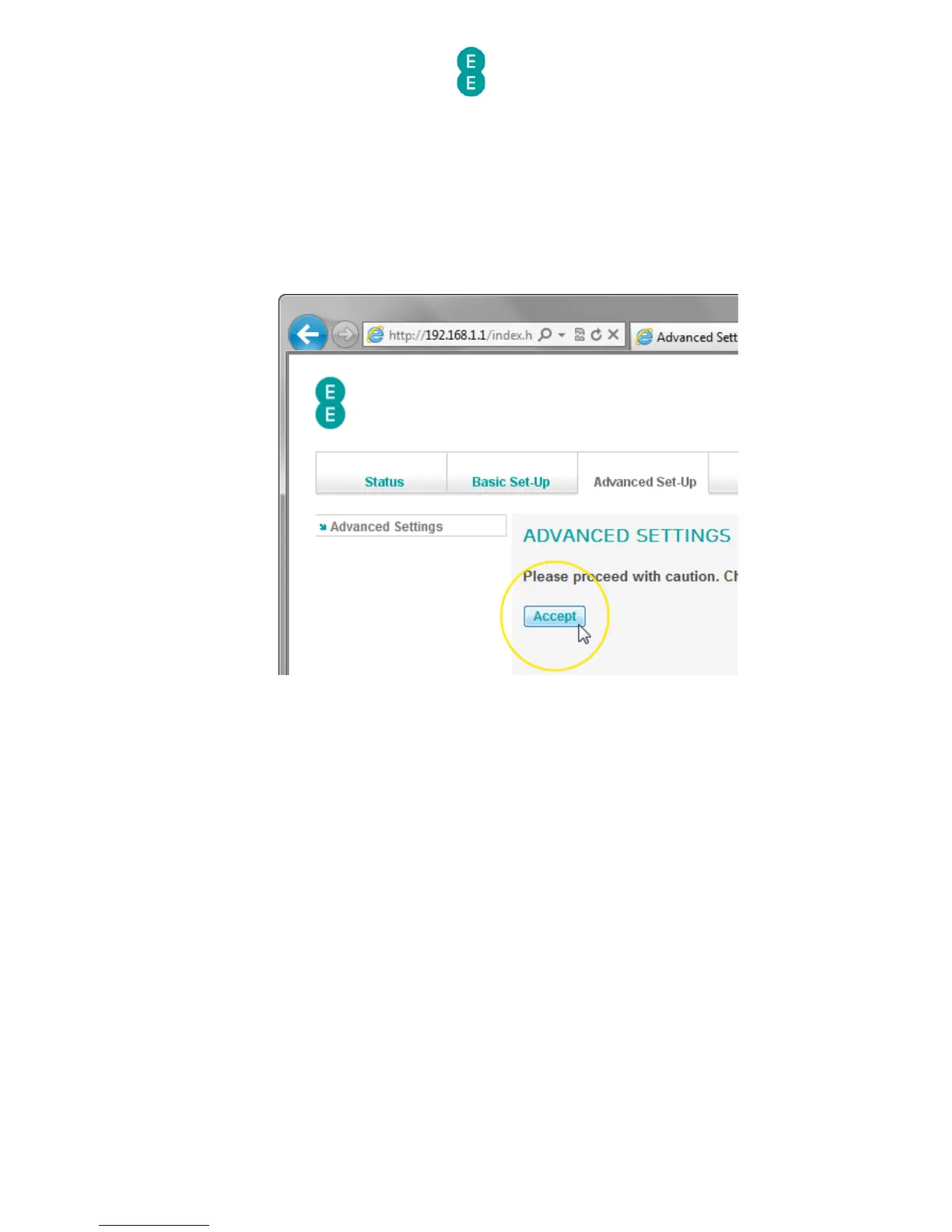
To access the Advanced Set-Up pages:
1. Login to the router’s admin pages
2. Click on the Advanced Set-Up tab.
3. You’ll be advised to ‘Please proceed with caution..’. Click Accept.
BROADBAND SETTINGS
The advanced Broadband Settings page is the first page displayed when accessing the
Advanced Set-Up tab. The page contains many of the Broadband Settings in the Basic
Set-Up > Broadband Settings page, with a few advanced configurable settings.
You can return to the advanced Broadband Settings page by clicking on the Broadband
Settings item in the left hand navigation menu on the Advanced Set-Up pages:



 To Next Page