EE Bright Box User Manual
94
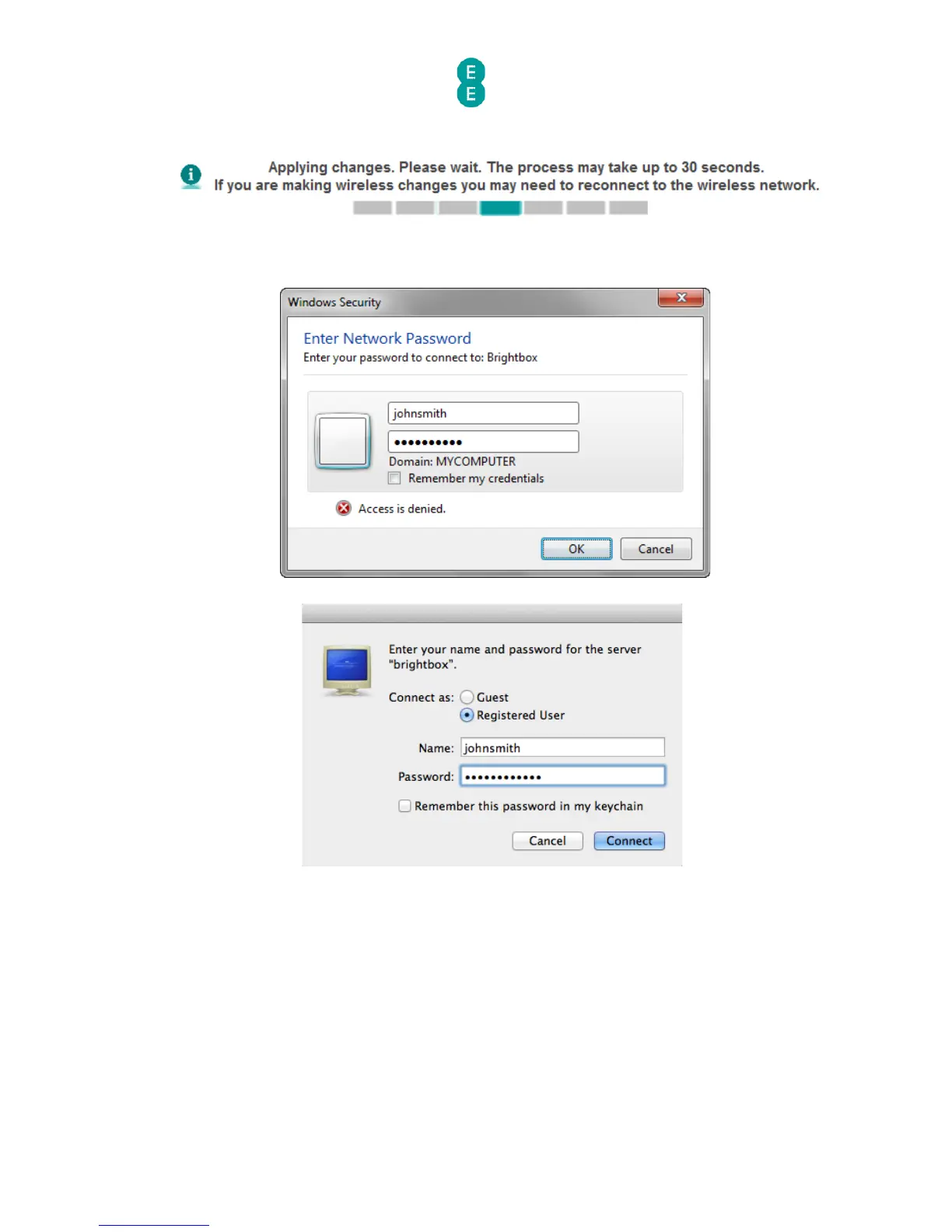
7. The next time you attempt to access the attached USB drive, you will be prompted to
enter the username and password. Enter the username and password as configured in
Step 5 (Windows 7 and Mac OS X 10.7 screenshot examples below):
8. Click OK or Connect to complete the connection to the attached USB drive. The files
and folders on your drive will now be visible.



 To Next Page