EE Bright Box User Manual
164
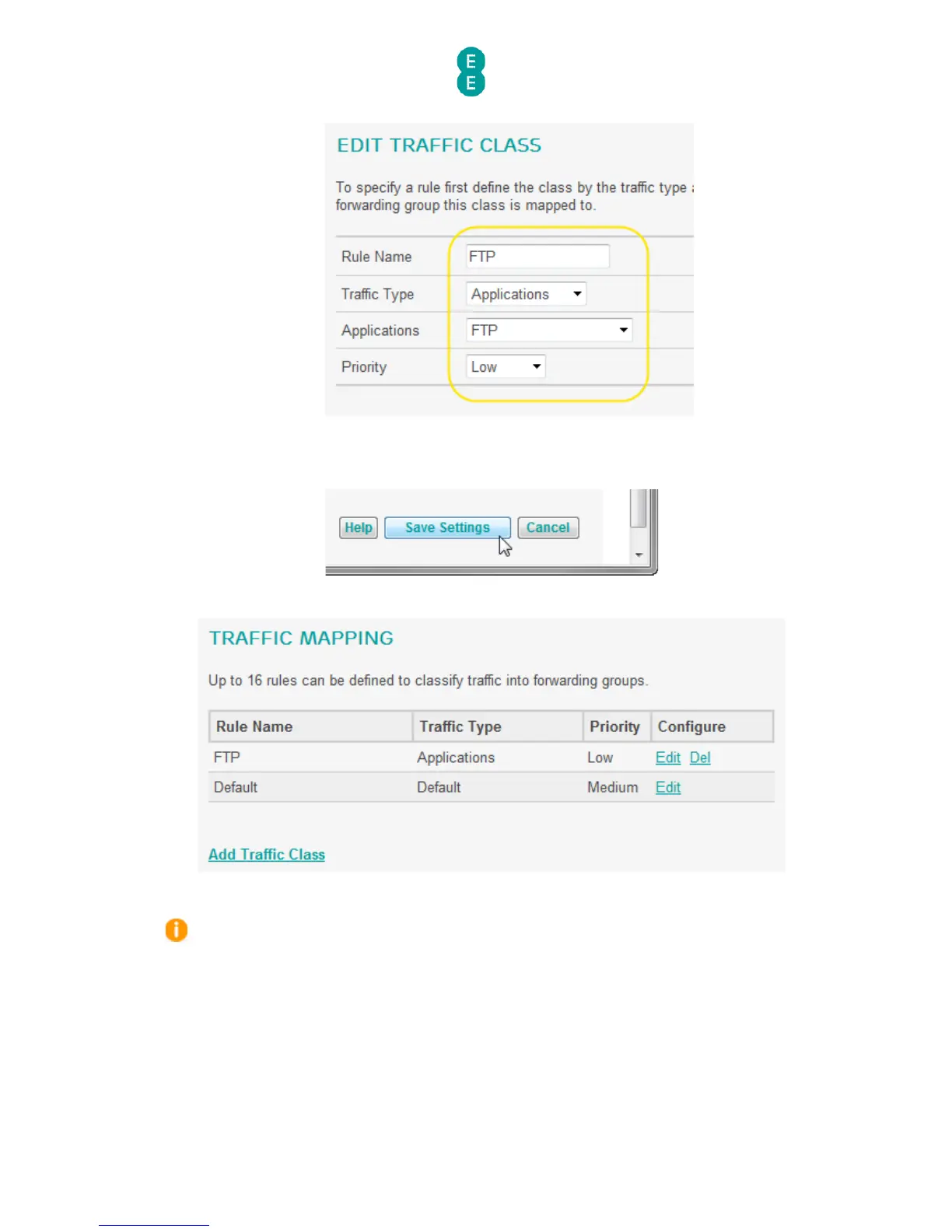
9. Click Save Settings:
10. The traffic mapping rule has now been created and will appear in the Traffic Mapping
table:
11. Now you can set the traffic shaping of the priority group in the Diffserv Groups page.
If you want to create a traffic mapping rule for a particular device on your local network
rather than a specific application type, select the ‘MAC Address’, ‘IP Address’ or ‘Incoming
Port’ options from the ‘Traffic Type’ dropdown. In the example below, the ‘High’ priority traffic
rule would be applied to any device connected to Ethernet Port 1.



 To Next Page