EE Bright Box User Manual
192
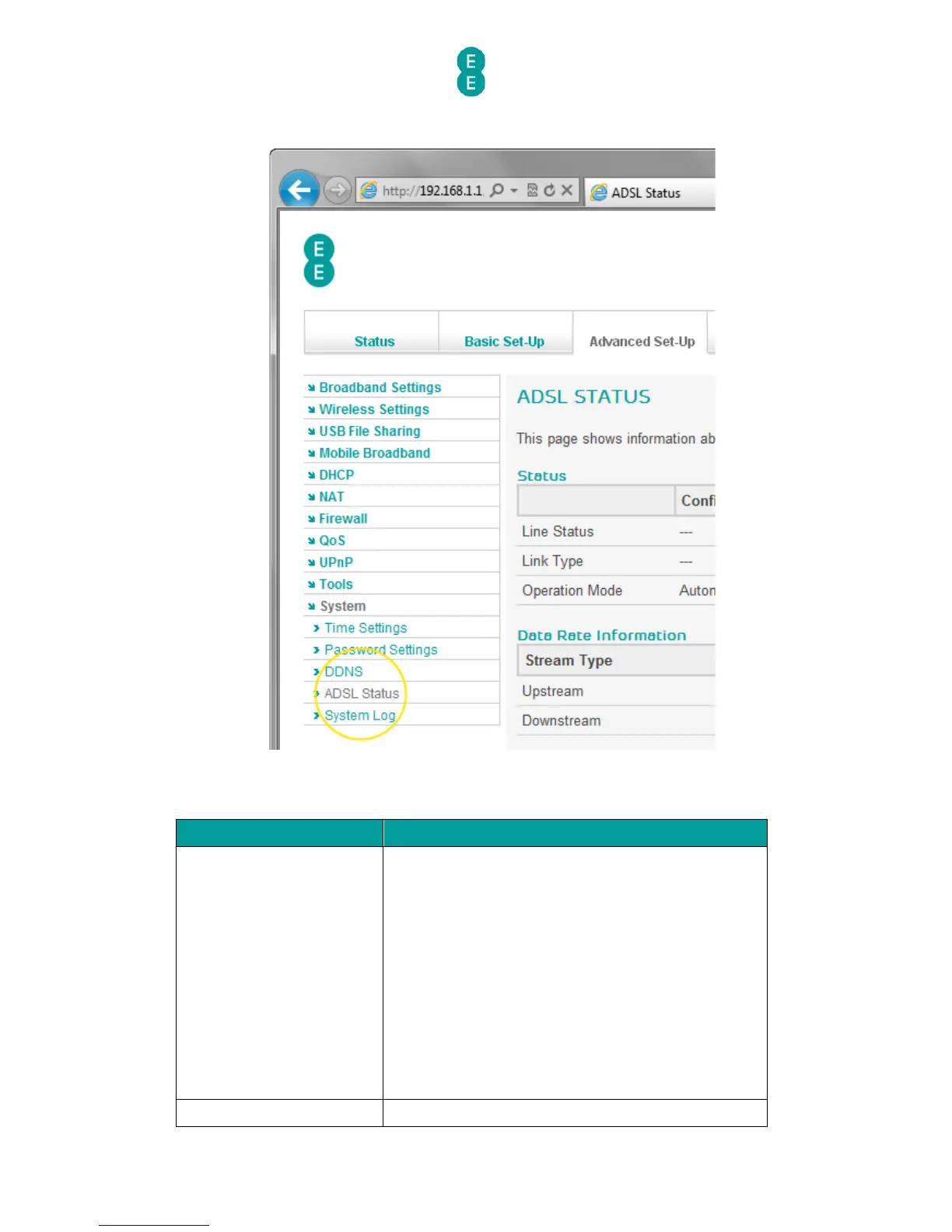
4. Click on ADSL Status on the left hand menu:
The following table describes the information displayed on the ADSL Status page:
This is the current synchronisation status of your
ADSL connection.
The value will display ‘IDLE’ if your ADSL connection
is unable to synchronise with broadband exchange
or you are using the EE Fibre broadband service.
The value will display ‘TRAINING’ if your ADSL
connection is currently in the process of
synchronising with the broadband exchange.
The value will display ‘SHOWTIME’ if your ADSL link
has been successfully established with the
exchange.
The ‘configured’ column for the Link Status will
always display ‘—‘.



 To Next Page