EE Bright Box User Manual
24
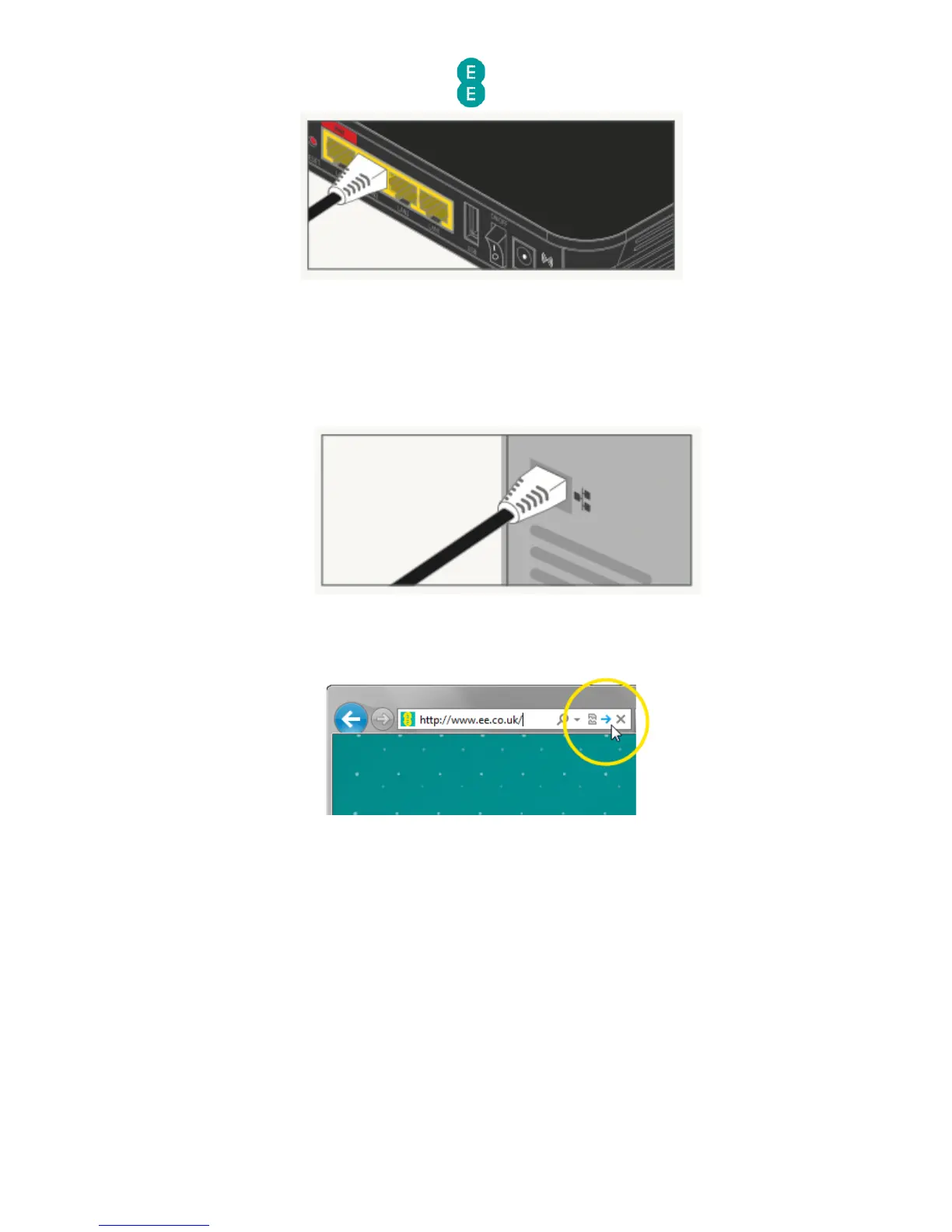
2. For Fibre broadband you should leave the black Ethernet cable connected to the red
WAN port on the Bright Box, but can plug another Ethernet cable into any of the other
LAN ports on the Bright Box (LAN1, LAN2 or LAN3).
3. Plug the other end into the Ethernet socket on your device. You’ll hear a click when
you’ve connected the cable correctly:
4. To check your connection, type ee.co.uk into a browser's address bar and click Go:
5. The EE home page will load:



 To Next Page