EE Bright Box User Manual
71
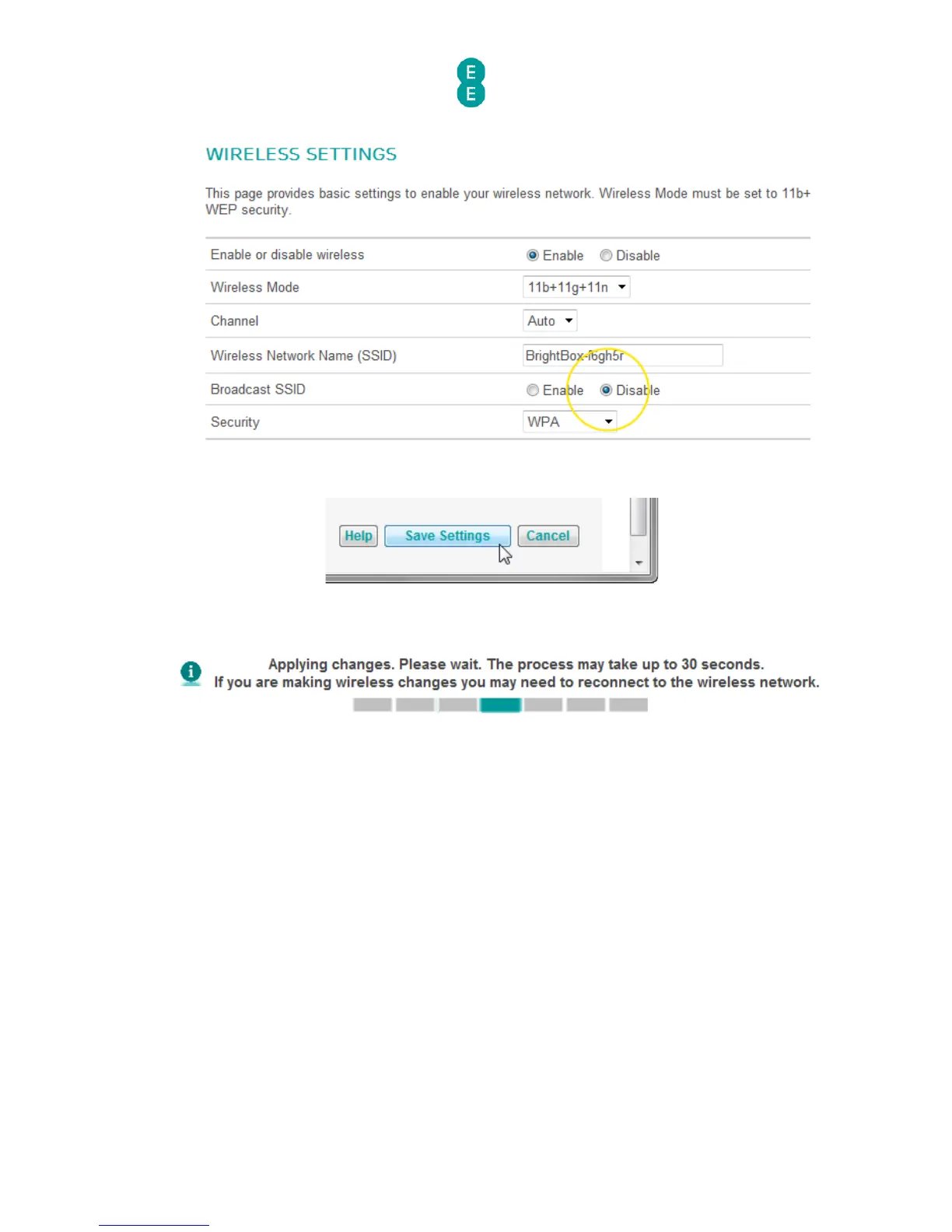
4. Click Save Settings:
5. The router will apply the new settings:
6. To connect to the non broadcasting SSID, you will have to enter the wireless network
name, security type and security key (wireless password) in the operating system
wireless software manually. For example here is a screenshot from Windows 7 (please
note that exact steps will differ between operating systems):



 To Next Page