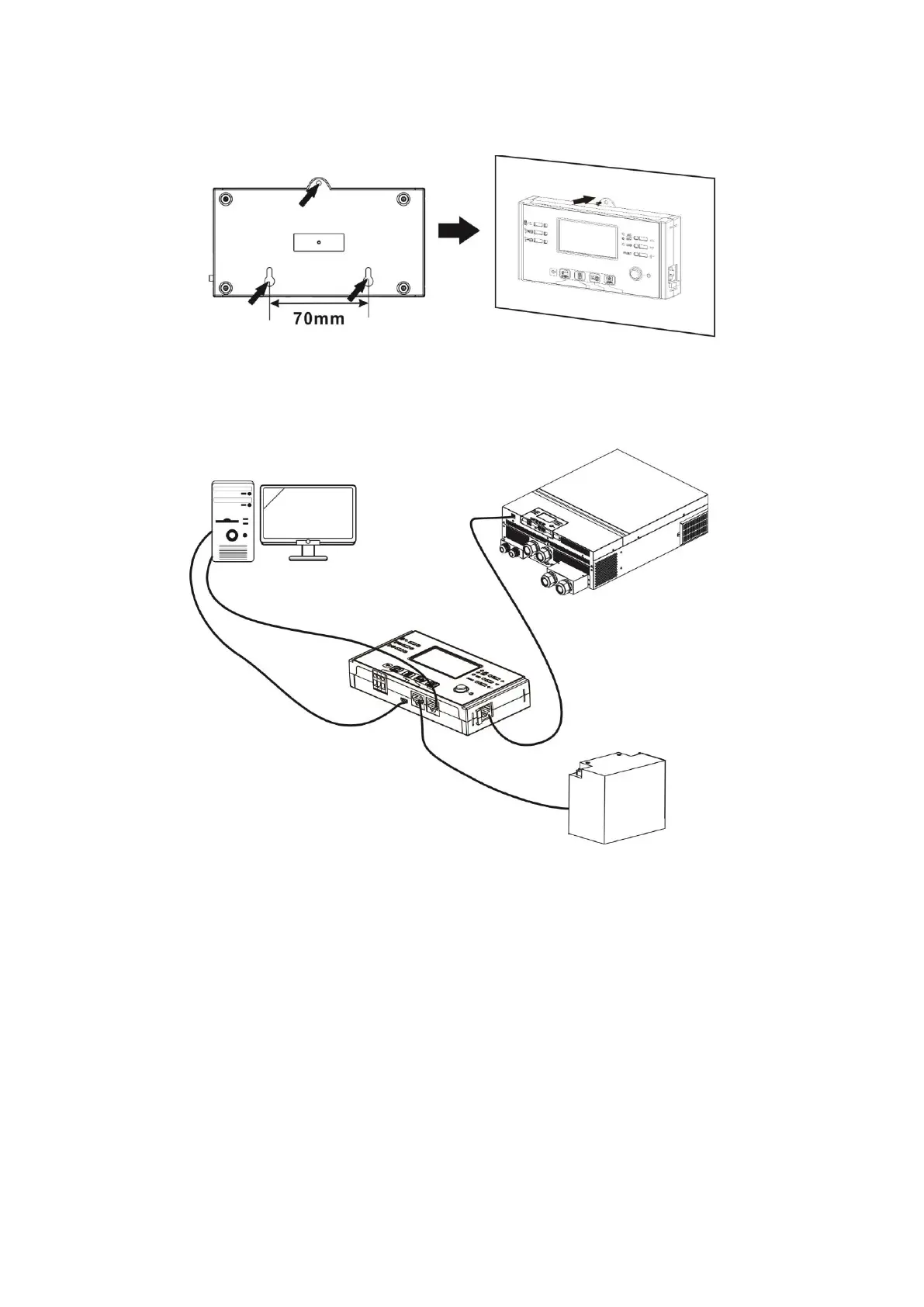
Step 2. Prepare the mounting location using the holes on the back of the display for reference. For a
transferable template, use a piece of paper pressed against the back of the display and mark with a pen
or make small holes in the paper.
Note: Ensure the screw heads and diameter are the correct size to avoid damaging the display.
Step 3. After the display is securely mounted, connect the display to the inverter using a RJ45 cable
(recommended CAT5e or better) as shown below.
RS-232 to PC
Micro USB to PC
BMS communication
Remote display
communication



 To Next Page