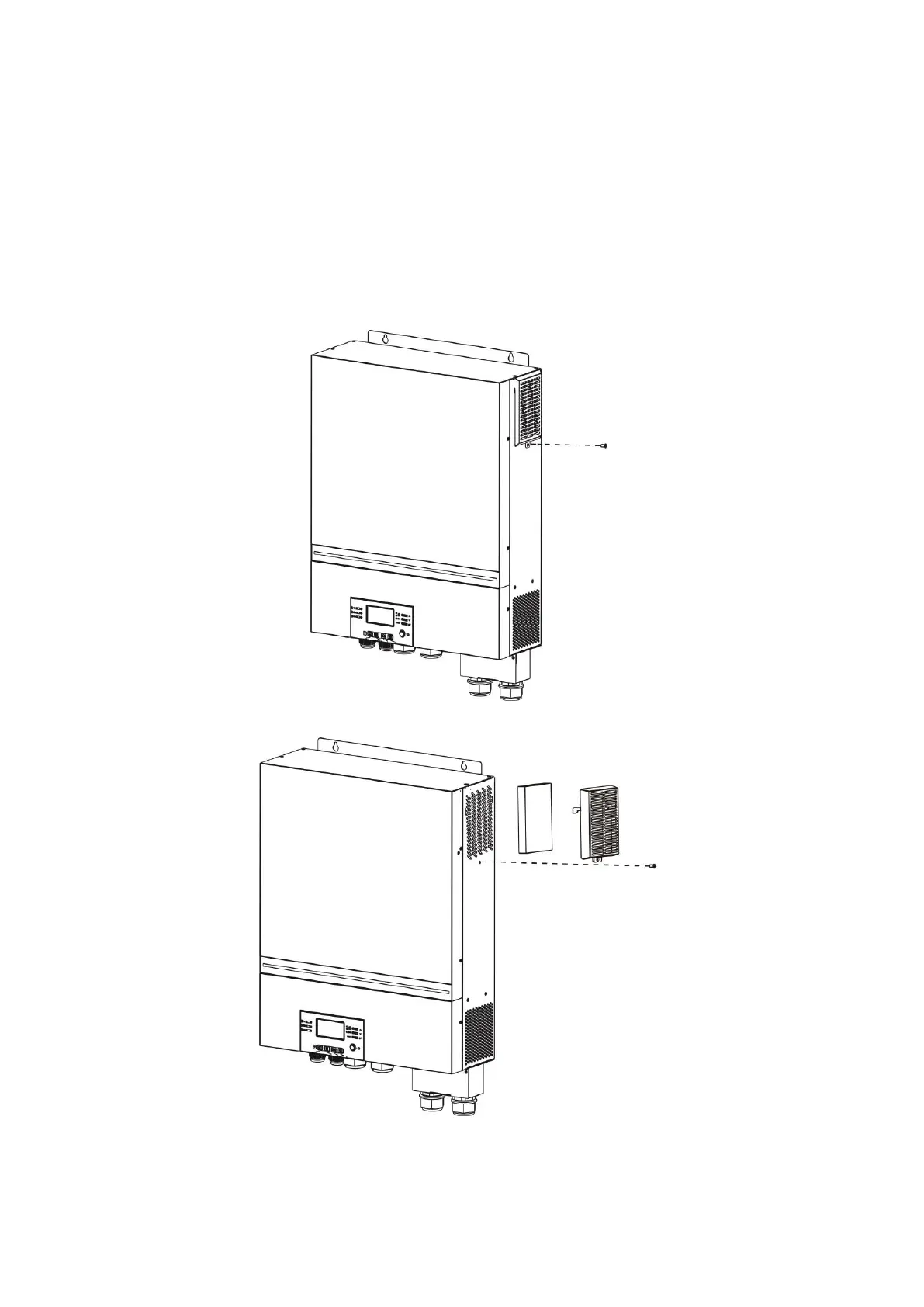
CLEANING AND MAINTENANCE FOR ANTI-DUST KIT
Overview
Every inverter comes with an installed anti-dusk kit from the factory. The inverter will automatically detect
this kit and activate an internal thermal sensor to adjust internal temperature, also keeping dust out of of
the inverter, increasing the product reliability and lifespan.
Cleaning and Maintenance
Step 1: Loosen the screw in figure 1.
Step 2: Remove the cover and take out air filter foam as shown in the image below.
Step 3: Clean air filter foam and metal cover. After cleaning, re-assemble and install the dust-kit back in the
inverter.
Please Note: The anti-dust kit
should be cleaned monthly.
Figure 1
Foam Filter
Metal Cover



 To Next Page