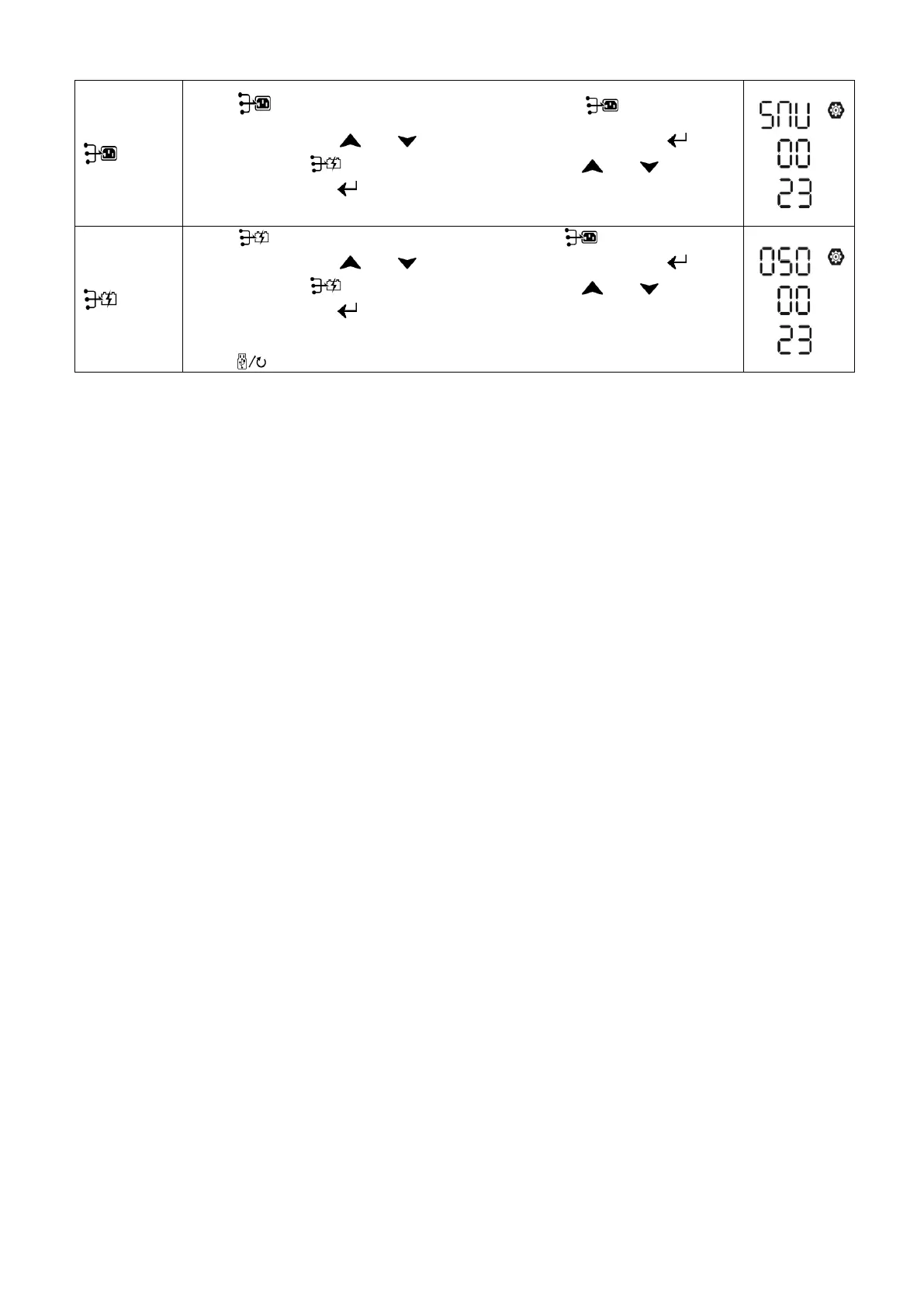
Press “ ” button to set up Solar & Utility Timer. Press “ ” button to select
staring time. Press “ ” or “ ” button to adjust values and press “ ” to
confirm. Press “ ” button to select end time. Press “ ” or “ ” button to
adjust values, press “ ” button to confirm. The setting values are from 00 to
23, with 1-hour increment.
Press “ ” button to set up Solar Only Timer. Press “ ” button to select
staring time. Press “ ” or “ ” button to adjust values and press “ ” to
confirm. Press “ ” button to select end time. Press “ ” or “ ” button to
adjust values, press “ ” button to confirm. The setting values are from 00 to
23, with 1-hour increment.
Press “ ” button to exit the Setup Mode.



 To Next Page