2-3. Login and APP Main Function
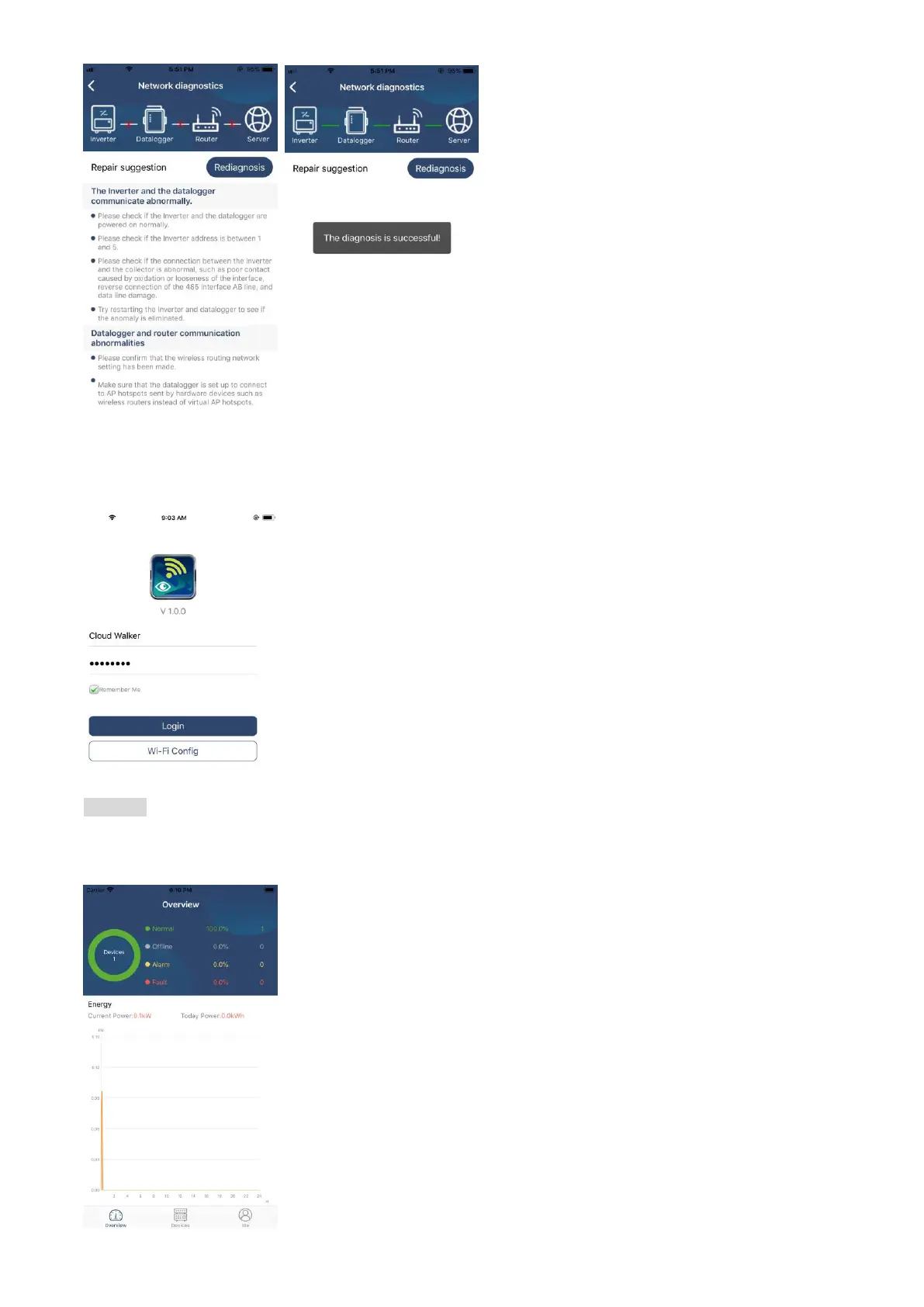
After finishing the registration and local Wi-Fi configuration, enter registered name and password to login.
Note: Tick “Remember Me” for your login convenience afterwards.
Overview
After login is successfully, you can access “Overview” page to have overview of your monitoring devices,
including overall operation situation and Energy information for Current power and Today power as below
diagram.



 To Next Page