eircom advantage IP Professional phone user guide
12
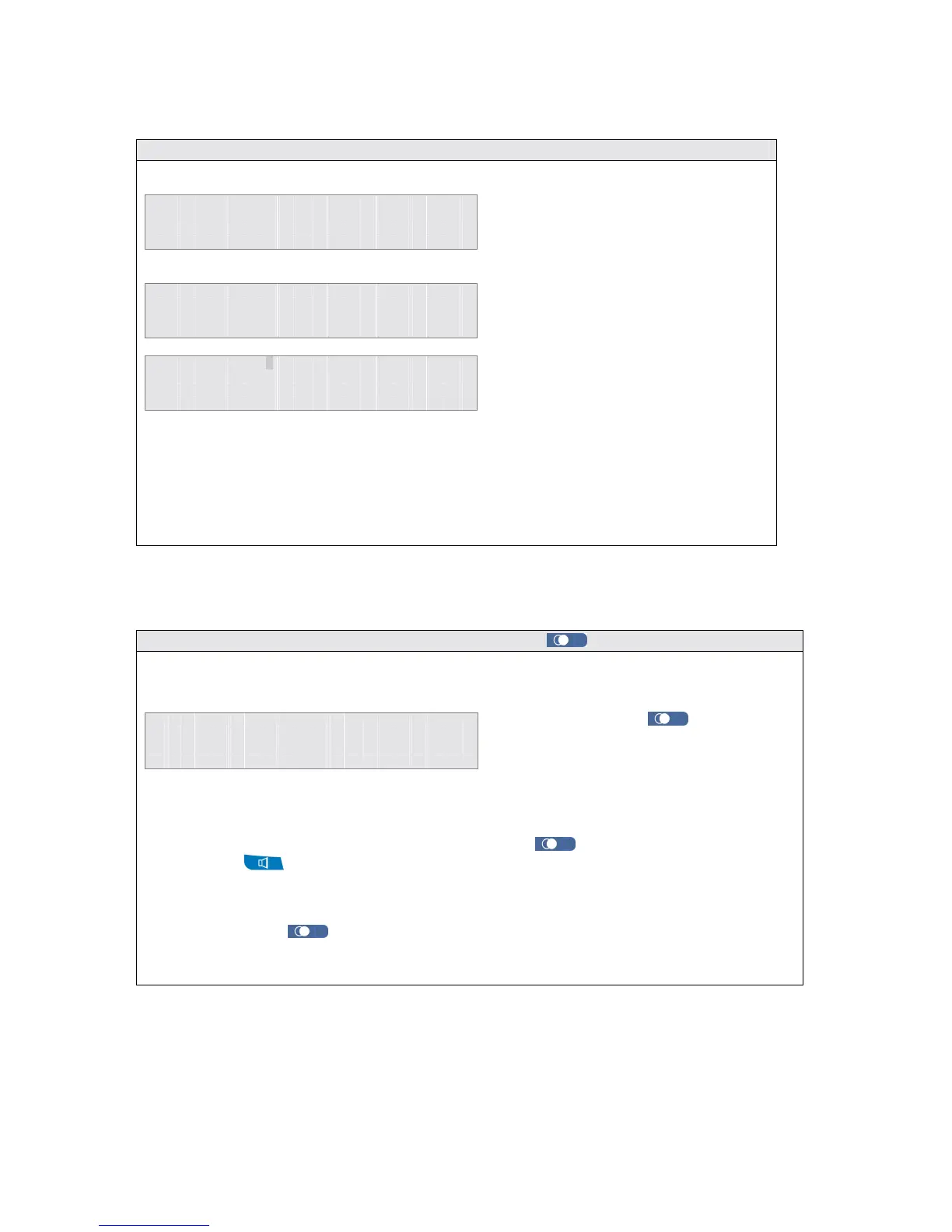
2.9 Making an external call using the Phone Book
1 1 : 2 5 F r i 0 7 / 1 2 / 0 2
E x t e n s i o n 1 5
M e n u s
P h o n e B k
► P e r s o n a l A d d r B o o k
C o m m o n A d d r e s s B o o k
E x t e n s i o n L i s t
S e l e c t
E x i t
S e a r c h : _
►
A N D R E W
D A V E M
S e l e c t
B a c k
Note : The Phone Book function may also be stored under a programmable key.
2.10 Making an external call using the REDIAL key
A call can be redialled as follows -
To redial the number the user can either, press the REDIAL
key again, lift the handset, press
the SPEAKER
key or press <Select> twice, the system will then automatically select a trunk
line and redial the number.
Pressing the REDIAL
key with the handset off-hook or with the hands free mode activated
automatically selects a trunk line and redials the last number.
D
i a l l e d N u m b e r L i s t
►
0 1 . 6 0 9 3 3 3 2 4 3
0 2 . 6 9 6 6 7 7 7 1 3
S e l e c t
↑
↑↑
↑ ↓
↓↓
↓
E x i t
To make an external call using the phone
book, simply press the right mouse key
labelled <Phone Bk > on the idle display.
The user must specify either the personal
or common address book, by using the
up & down arrow keys (↑
↑↑
↑↓
↓↓
↓) and then
pressing <Select>.
The display will show a list of the address
book entries that can be dialled on the
system. To search for an entry, enter the
first letter of the name. All entries starting
with this character will then be displayed
To dial the required party use the up & down arrow keys (↑
↑↑
↑↓
↓↓
↓) and then press <Select>.
• Press the REDIAL
key while
the System Phone is idle, the
dialled number list will be shown
on the display
• Use the ↑
↑↑
↑↓
↓↓
↓ keys to select the
re



 To Next Page