eircom advantage IP Professional phone user guide
18
2.24 Answering Page calls
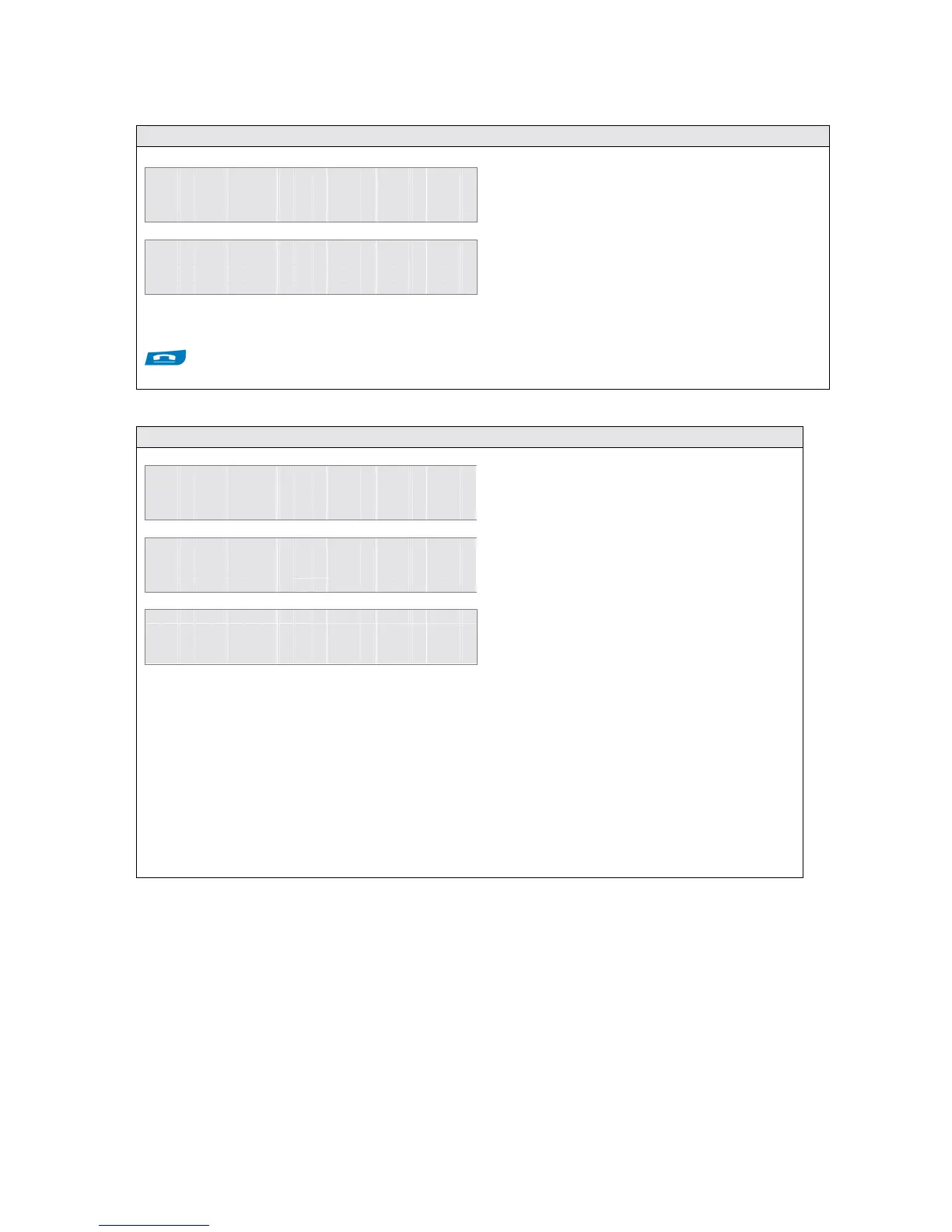
E x t n 1 5
P a g i n g
O p t i o n s
A n s w e r
E x t n 1 5
0 0 : 0 0 : 1 4
O p t i o n s
E n d c a l l
The originating user can disconnect from the page by replacing the handset or pressing the ON HOOK
key.
2.25 Pick Up a Call Ringing at another User
1 1 : 2 5 F r i 0 7 / 1 2 / 0 2
E x t e n s i o n 1 5
M e n u s
P h o n e B k
1 1 : 2 5 F r i 0 7 / 1 2 / 0 2
E x t e n s i o n 1 5
M e n u s
P i c k U p
► E x t n 2 1
S e l e c t
E x i t
Note: The eircom advantage IP Professional phone has a Pick-Up key programmed by default,
and a call can be picked up by pressing this key. If more than one User is ringing, the list of ringing
Users will appear on the display.
If the IP system system phone is being paged
by another User, e.g. User 15 as shown, the
Page can be answered by
• Pressing the <Answer> key
The executive system phone will be connected to
User 15 in handsfree mode
• Press the
key until the right
key changes to <Pick Up>.
• Press the <Pick Up> key
The User being called will be shown on
the display.
• Press the <Select> key to pick
up the call
Note: If more than one incoming call is ringing , a list of ringing User will be shown on the
display. Use the up & down arrows (
) to select the User from which the call is to be picked
up.



 To Next Page