eircom advantage IP Professional phone user guide
28
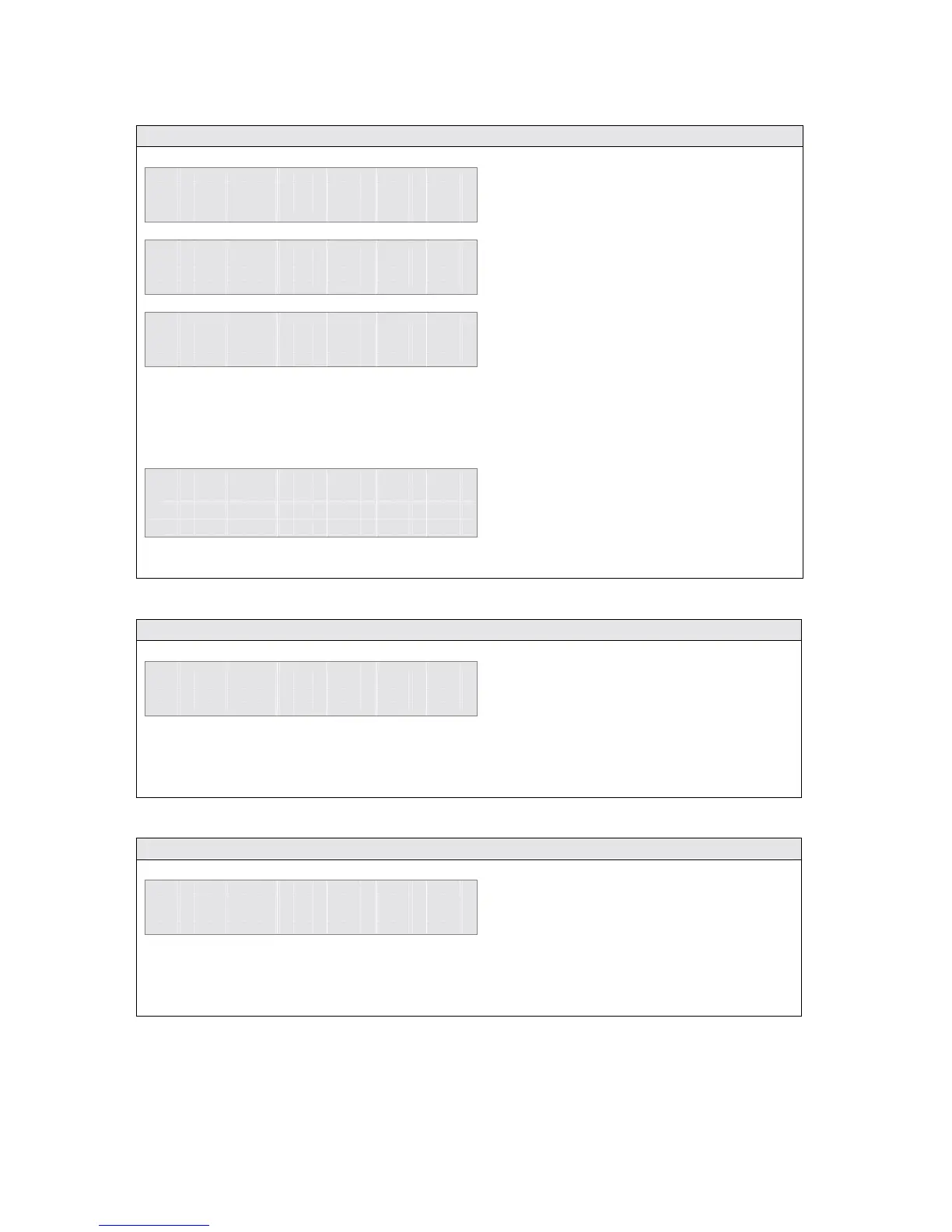
2.43 View the Missed Calls list when there are no new missed calls
1 1 : 2 5 F r i 0 7 / 1 2 / 0 2
E x t e n s i o n 1 5
M e n u s
P h o n e B k
M a i l b o x S e t t i n g s
P h o n e S e t t i n g s
►
L i s t o f C a l l s
S e l e c t
E x i t
►
M i s s e d C a l l s
D i a l l e d C a l l s
R e c e i v e d C a l l s
S e l e c t
E x i t
N o E n t r i e s F o u n d
B a c k
2.44 Using the Dialled Number List
M i s s e d C a l l L i s t
►
D i a l l e d N u m b e r L i s t
R e c e i v e d C a l l L i s t
S e l e c t
B a c k
2.45 Using the Received Call List
M i s s e d C a l l L i s t
D i a l l e d N u m b e r L i s t
►
R e c e i v e d C a l l L i s t
S e l e c t
B a c k
To enter the Missed Calls list when
there are no new missed calls -
• Press the <Menus> key
• Use the ↑
↑↑
↑↓
↓↓
↓ keys to move to the
List of Calls option
• Press the <Select> key
• Use the ↑
↑↑
↑↓
↓↓
↓ keys to move to the
Missed Calls option
• Press the <Select> key
Note: If there are no missed calls, the
display will show No Entries Found.
The list of the last ten unanswered calls will be displayed.
The calls can then be selected for calling, saving, deleting or to view the time and date details
as previously described.
The Dialled Number List is accessed from
the List of calls menu.
Each entry can be Called, Saved, Deleted
and the time & date information viewed in
the same way as described for missed calls.
The Received Call List is accessed from the
List of calls menu.
Each entry can be Called, Saved, Deleted
and the time & date information viewed in
the same way as described for missed calls.



 To Next Page