eircom advantage IP Professional phone user guide
32
2.51 Change the profile of a Roaming PIN User
1 1 : 2 5 F r i 0 7 / 1 2 / 0 1
E x t e n s i o n 1 5
M e n u s
P h o n e B k
C a l l D i v e r s i o n
P h o n e S e t t i n g s
►
R o a m i n g P i n
S e l e c t
↑
↑↑
↑ ↓
↓↓
↓
E x i t
R o a m i n g P i n
►
E n a b l e d
√
√√
√
D i s a b l e d
S e l e c t
↑
↑↑
↑ ↓
↓↓
↓
B a c k
R o a m i n g P i n
U s e r : _ _
P i n : _ _ _ _
B a c k
R o a m i n g P i n
U s e r : 1 0
P i n : 0 1 0 0
A c c e p t D e l e t e
1 1 : 2 5 F r i 0 7 / 1 2 / 0 1
E x t e n s i o n 1 5 ( 1 0 )
M e n u s
P h o n e B k
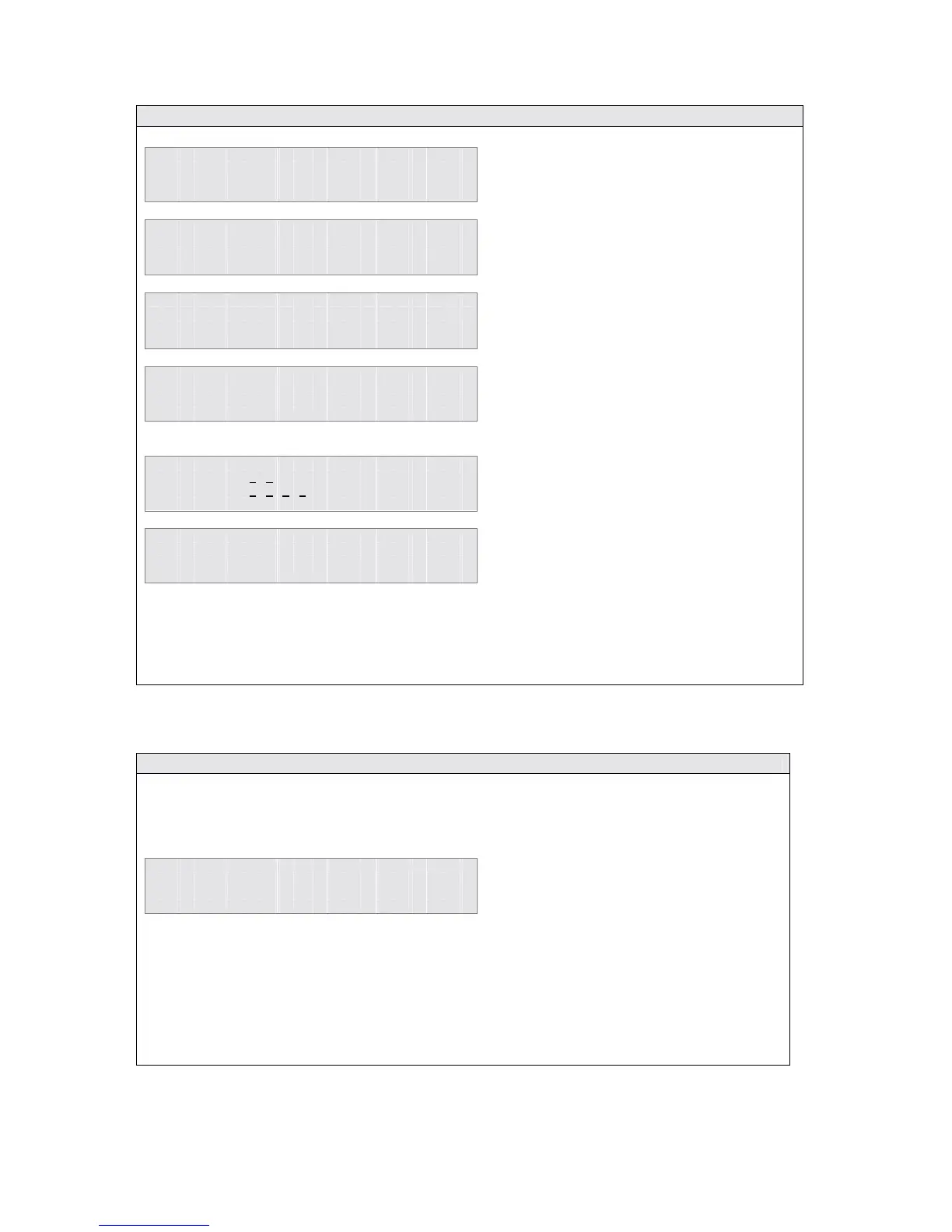
2.52 Unsuccessful log in to Roaming PIN
Each Roaming PIN user is allowed three attempts to enter the log-in information correctly after
which the user number will be disabled for one hour. During this time the Roaming PIN will not be
usable at any User.
U s e r T e m p o r a r i l y
D i s a b l e d A s L o g i n
A t t e m p t s E x c e e d e d
B a c k
ROAMING Key: If one of the function keys has been programmed as a ROAMING key, pressing
this key will initiate Roaming PIN log-in and the user will be prompted to input a user number and
PIN. While Roaming PIN is activated, the LED on the key will be lit. Pressing the key while the
LED is on will log the user out of the Roaming PIN feature.
• Press the <Menus> key
• Use the ↑
↑↑
↑↓
↓↓
↓ keys to scroll through the
options
• When the cursor is alongside the
Roaming PIN option
• Press the <Select> key
To log-in to Roaming PIN as User 10 -
• Use the ↑
↑↑
↑↓
↓↓
↓ keys to move the cursor
• Press the <Select> key when the
cursor is alongside Enabled
• Enter user number and Roaming
PIN code
• Press the <Accept> key
The System Phone will return to idle and
the display will show the Roaming User
number.
Calls can now be made using the profile of
User 10.
Note: The Roaming PIN user profile will automatically become inactive after a pre-determined
time or the user can log-out by entering the Roaming PIN menu and selecting Disable.
If the user tries to log-on, the display
shows that the user number is suspended.
• Press the <Back> key to exit



 To Next Page