ELAN HOME SYSTEMS D16 INSTALLATION MANUAL
© ELAN Home Systems 2010 | All rights reserved.
Page 29
Utility Sub-Menu (Continued)
Save Dealer Defaults (Continued)
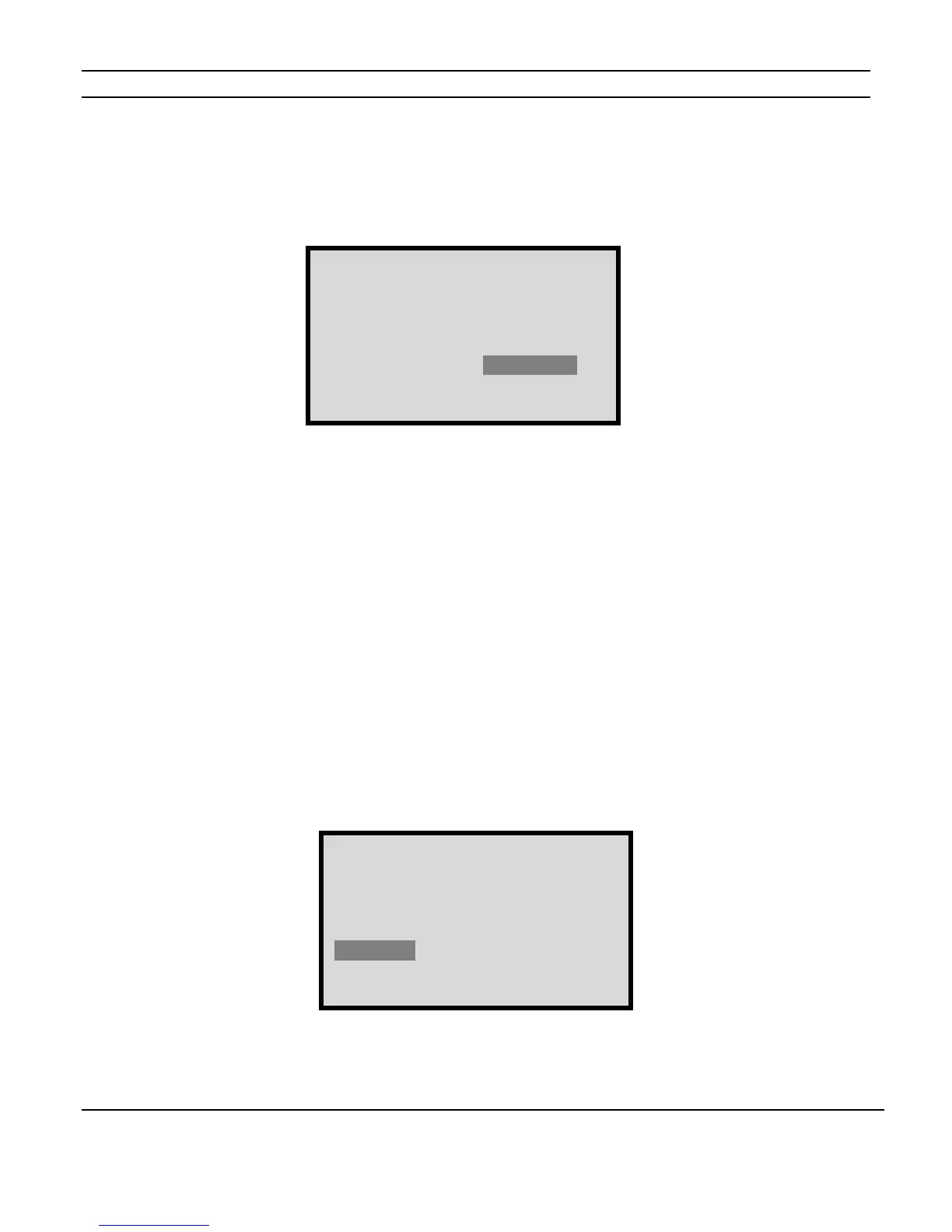
Pressing the CHANNEL button when the fourth digit is highlighted will bring up the
following screen:
Press the UP and DOWN arrows to select SAVE or NO SAVE. If the correct code has been
entered the D16 will save the current settings. If an incorrect code has been entered the
bottom line of the display will read, “INVALID PIN, Retry”
Restore Defaults
This menu allows the restoration of the amplifier’s factory default settings as well as dealer
programmed settings.
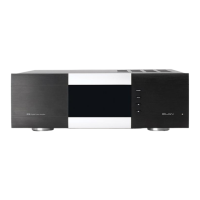
Once you have selected the Utility sub-menu by cycling through the MAIN Menu options
using the MENU button, use the CHANNEL button to select the Restore Defaults menu.
Use the UP and DOWN buttons to change options. The options are DO NOT RESTORE,
FACTORY, DEALER and TRIGGER CONTROL.
(For more information on Trigger Control see pages 39-41.)
(Continued on next page)
D16 UTILITY MENU
NORM MODE
Save Dealer Defaults
PIN: 3526 NO SAVE
SAVE
D16 UTILITY MENU
NORM MODE
Restore Defaults:
DEALER
Figure 2-26
Save Defaults Menu B
Figure 2-27
Restore Defaults Menu A


 To Next Page