ELAN HOME SYSTEMS D16 INSTALLATION MANUAL
© ELAN Home Systems 2010 | All rights reserved.
Page 34
Utility Sub-Menu Additions (In ELAN MODE) (Continued)
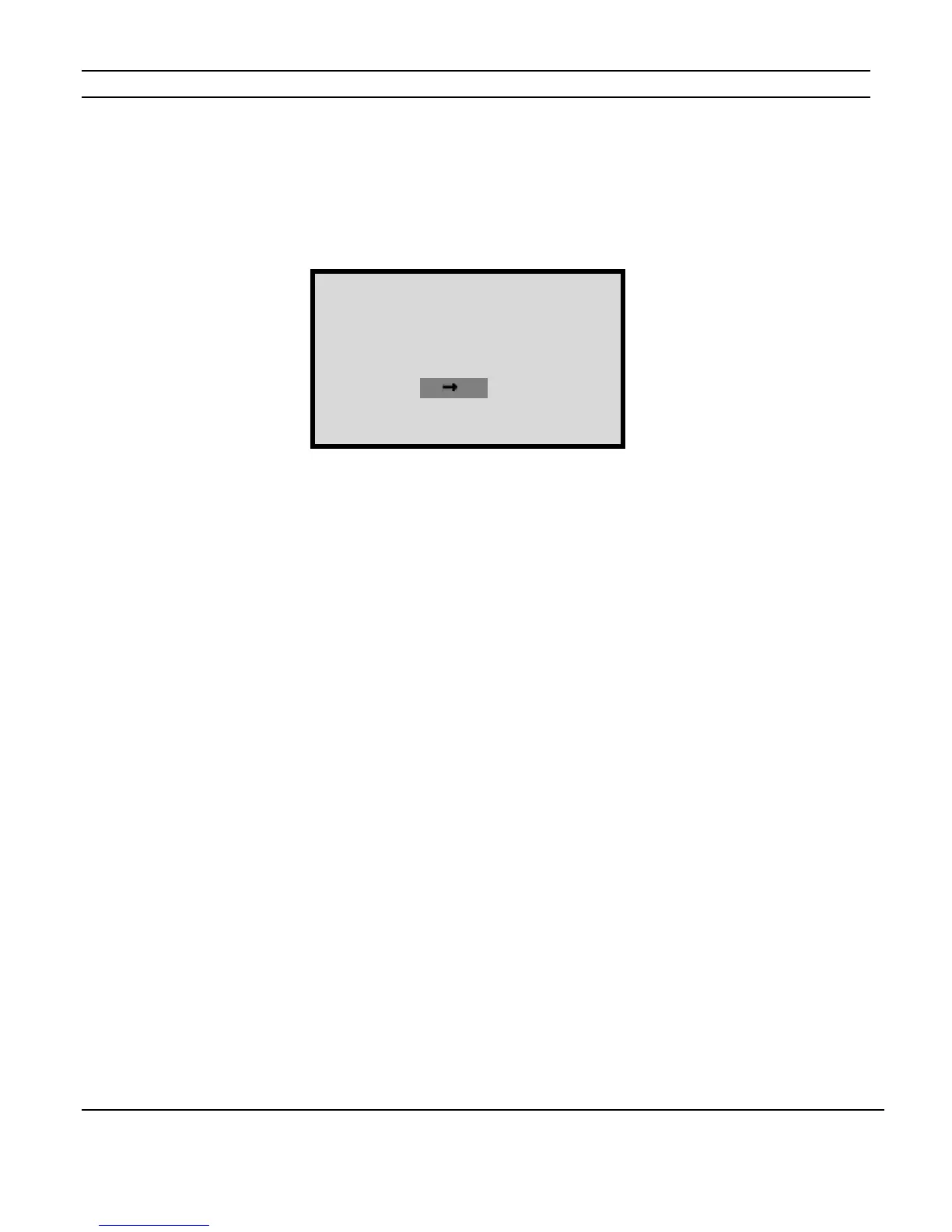
Channel Range Menu
Once you have selected the Utility sub-menu by cycling through the MAIN Menu options
using the MENU button, use the CHANNEL button to select the Channel Range menu.
This menu sets the IR Codes and VIA!NET Commands to be processed based on the
channel numbers selected.
The default setting is 1-16.
16 chassis can be used for a total of 256 channels.
D16s can have the same channel range settings if you want the D16s to respond to the
same IR or VIA!NET Commands.
Figure 2-33
Channel Range Menu
D16 UTILITY MENU
ELAN MODE
Channel
Range :1 16


 To Next Page