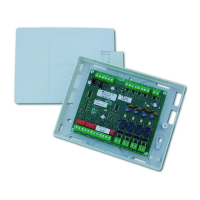
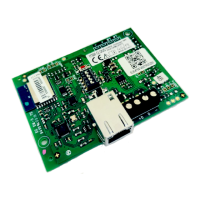
(((ELKRON))) - MP110
3.5.2 Addition of a Key
1. Enter the MASTER USER code on the keypad and press keys
+
in sequence.
2. Press the
1
key several times until the following message appears
on the display:
• keypad with alphanumeric display: “KEY ADDITION”
• keypad with segmented display : “
” (flashing)
3. Press the
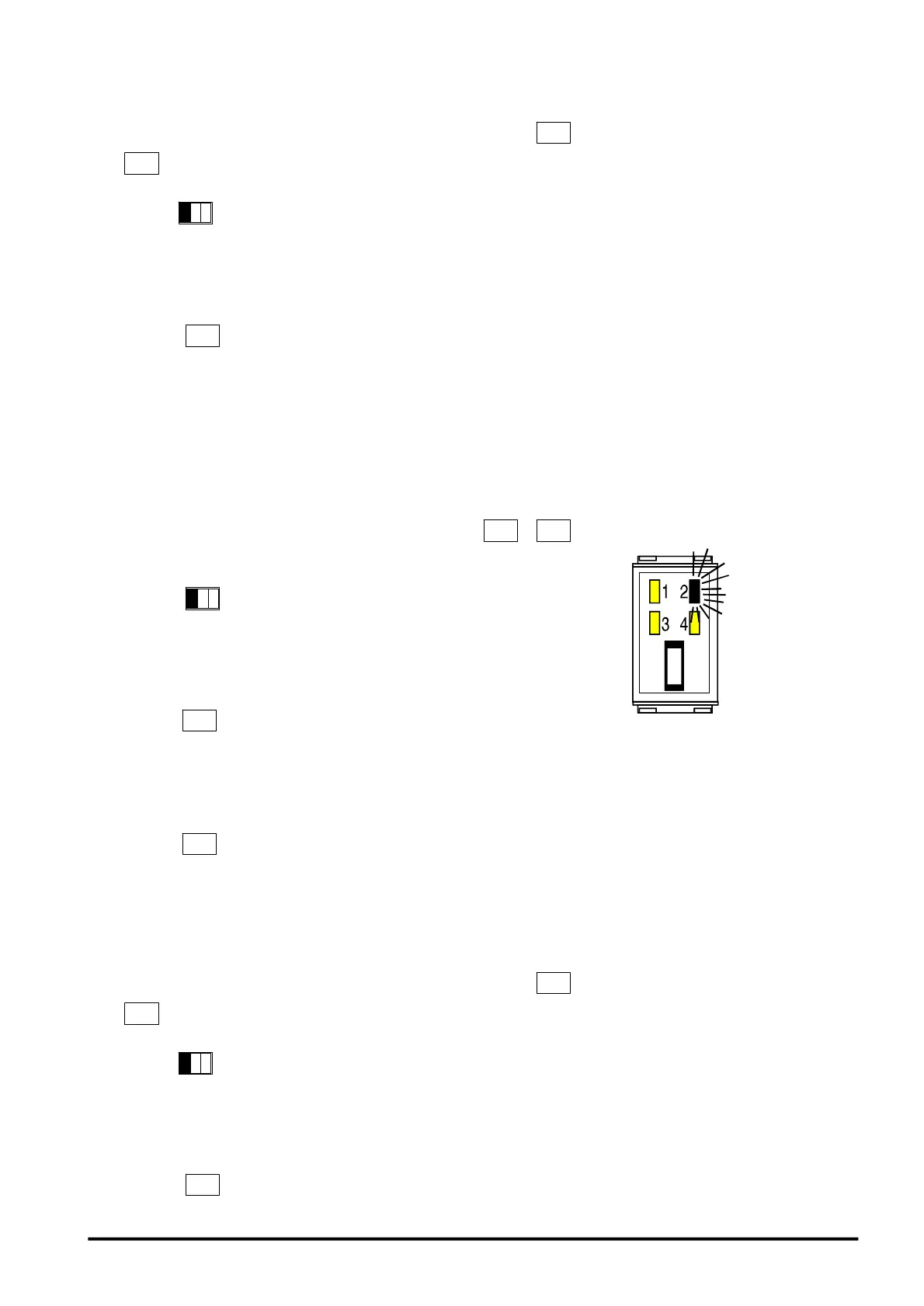
key. Commutator led 2 flashes slowly to indicate
system standby for entry of the additional key.
4. Proceed in the order described in items 4, 5, 6, 7 and 8 of the previous
section.
3.5.3 Duplication of a Key Code
1. Enter MASTER USER code on keypad and press keys
+
in sequence.
2. Press key
1
several times until the display shows the following
message:
KP100D keypad with LCD display: “READ KEY CODE”
KP100 keypad with segment display: “
” (flashing)
3. Press key
. Led 2 of the commutator flashes slowly to show that
the system is waiting for the introduction of the key to be duplicated.
4. Introduce the key to be read. After approx. 2 seconds a double beep
will be generated to confirm that the code has been read. The procedu-
re is terminated and the system has stored the key code.
Press key
to exit. To make the desired key operating, follow the
procedure “ Addition of a key” , para 3.7.2.
3.5.4 Check of Stored Keys
1. Enter the MASTER USER code on th ekeypad and press keys
+
in sequence.
2. Press the
1
key several times until the following message appears
on the display:
• keypad with alphanumeric display: “KEY CHECK”
• keypad with segmented display: “
” (flashing”)
3. Press the
key. Commutator led 2 flashes slowly to indicate
SLOW
FLASHING
37



 To Next Page