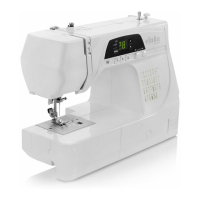
Elna International Corps. SA 3210 / 3230 Service manual
FRONT COVER
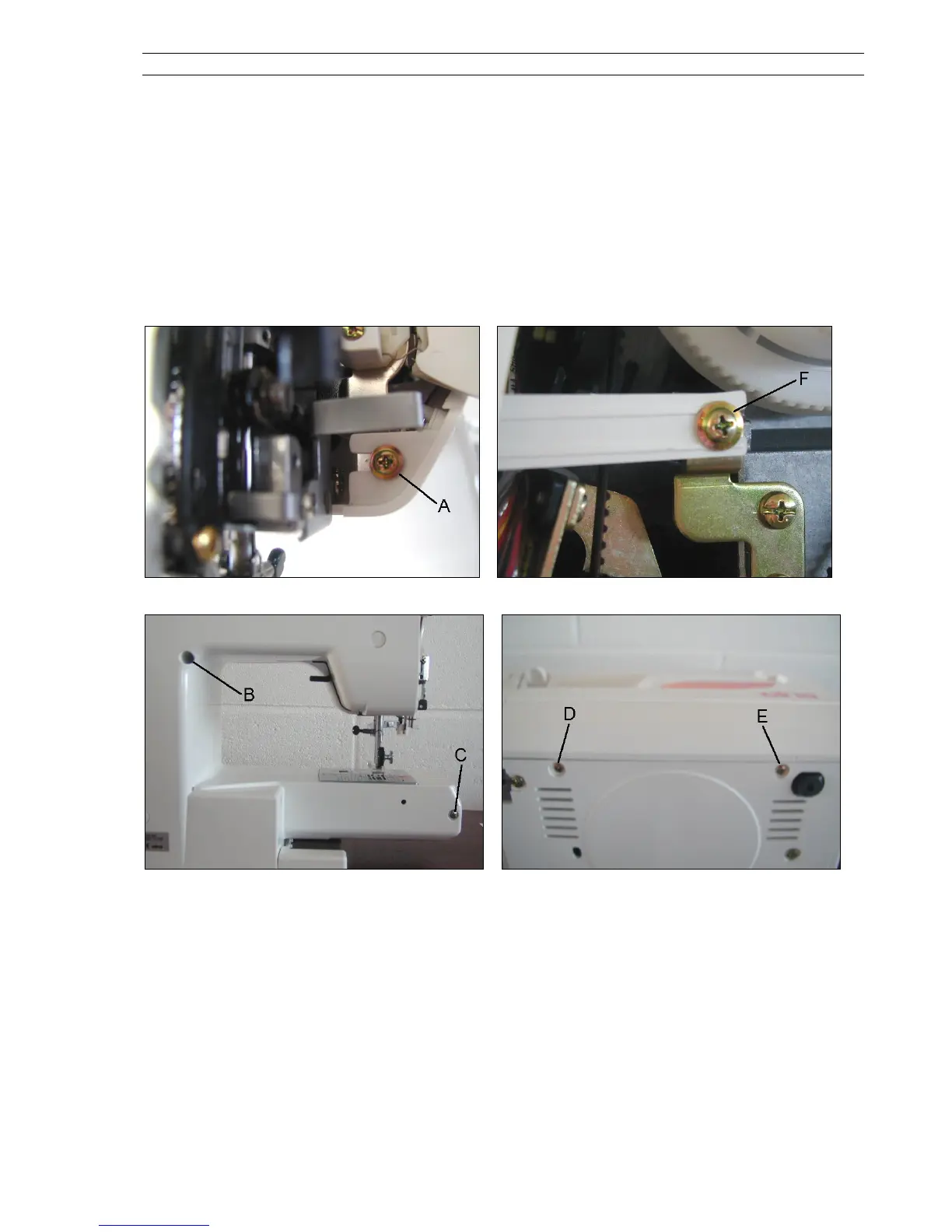
To remove :
1. Remove the face and belt cover (see pages 4 and 5)
2. Loosen the screw A and F
3. Remove the screws B, C, D and E.
4. Remove two connectors for model 3230.
5. Remove the front panel.
To attach : Follow the above procedure in reverse.
Page 06



 To Next Page